
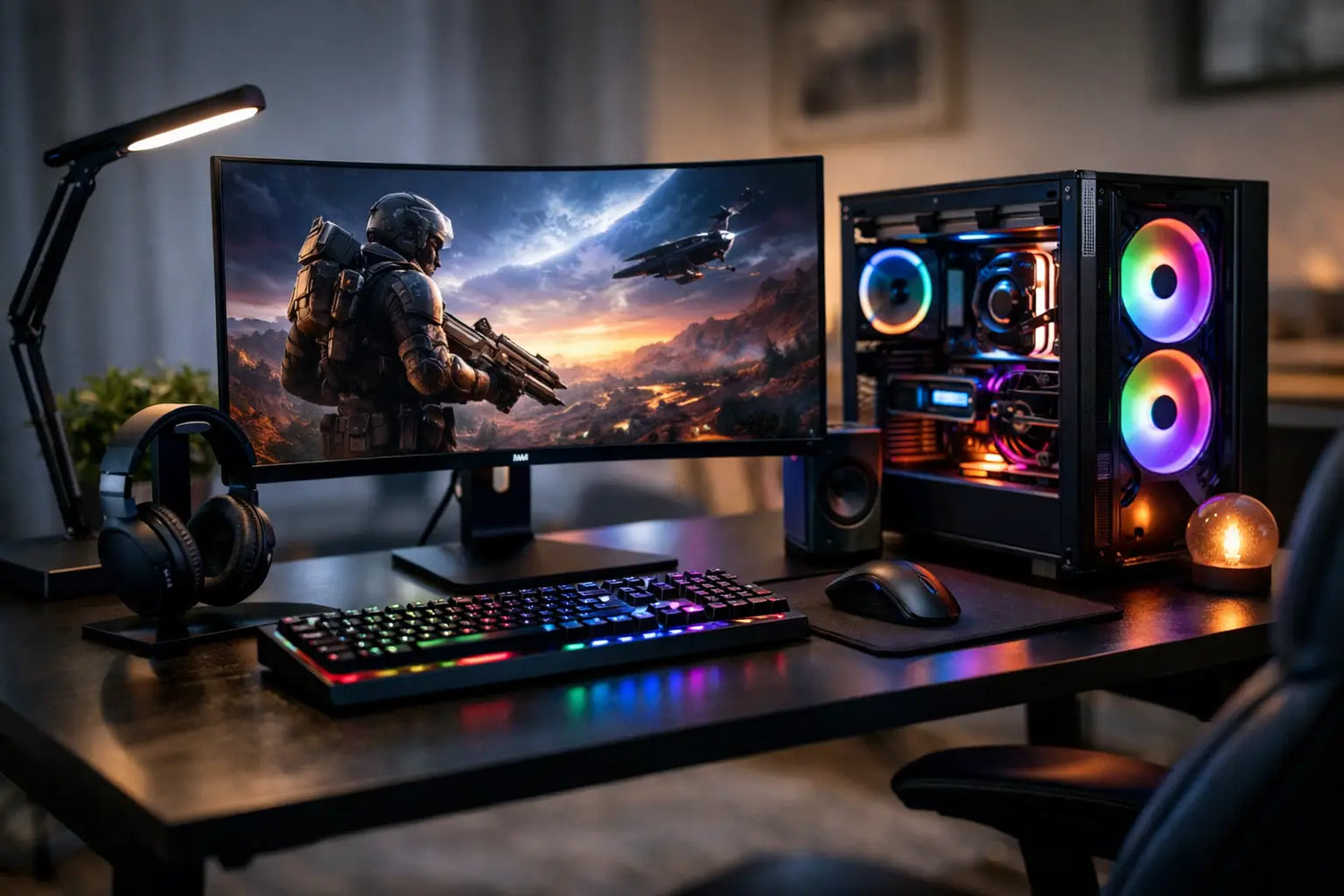
A better setup is not always the one with the most expensive graphics card or the most RGB lighting. This guide to gaming setup upgrades is about finding the changes you will actually feel at 11 p.m., when your hands are tired, your desk is crowded, and one more match suddenly turns into five. Spend where your everyday experience improves, not just where a product photo looks cool.
Start With the Friction You Feel Every Session
Before adding anything to your cart, take a quick look at how you play. Do you get wrist pain after an hour? Does your screen feel too small for competitive games? Are your cables turning your desk into a side quest? Is your headset uncomfortable enough that you keep taking it off?
Your best upgrade is usually hiding inside the annoyance you have learned to ignore. A new controller will not fix a chair that makes your back ache. Fancy ambient lights will not make a slow laptop load games faster. Start with the bottleneck, and your budget works much harder.
Think in three layers: performance, comfort, and atmosphere. Performance affects how games run and respond. Comfort determines whether you want to keep playing. Atmosphere is the fun factor that makes your setup feel like your space, not just a desk with electronics on it.
Upgrade Performance Before Chasing Specs
If your games stutter, take forever to load, or force you to lower every setting, performance gear deserves your attention first. But that does not automatically mean buying a whole new gaming PC. Sometimes a targeted upgrade gives you the biggest jump for less money.
For desktop players, adding more RAM or moving games to an SSD can noticeably improve loading and general responsiveness. A graphics card upgrade can be worth it when your current card cannot keep up with the resolution and refresh rate you want. Just check that your power supply, case space, and processor can support it. Buying one powerful component that creates a new bottleneck is an expensive plot twist.
Laptop gamers have fewer internal upgrade options, but they can still make meaningful changes. More storage, a cooling stand, and an external monitor can transform the experience. If heat is causing performance drops, improving airflow may help more than purchasing another peripheral.
A monitor is one of the most noticeable gaming setup upgrades because you look at it every second you play. A higher refresh rate can make fast movement feel cleaner and more responsive, especially in shooters, racing games, and competitive titles. Resolution matters too, but it depends on your hardware. A 4K display sounds amazing until your system has to wrestle every game into running smoothly.
For many players, 1080p at a high refresh rate is the value sweet spot. If your PC or console has the power, 1440p offers a sharper image without the heavier demands of 4K. Check your device’s supported output before shopping. The best monitor on paper is not a bargain if your system cannot take advantage of it.
Make Comfort Part of Your Gaming Setup Upgrades
Gaming is supposed to be an escape, not a test of how long your neck can survive bad posture. Comfort upgrades are less flashy than a glowing keyboard, but they can change every session from day one.
Start with your chair and desk height. Your feet should rest flat on the floor or a footrest, while your elbows sit close to a 90-degree angle when using a keyboard or controller. The top of your monitor should be at or slightly below eye level. You do not need a huge streamer-style throne to get this right. A supportive chair, a monitor stand, or even a few careful desk adjustments can make a major difference.
Your input gear matters next. Mechanical keyboards feel great for some players, but they are not mandatory for everyone. Look for a layout that fits your desk and play style. A compact keyboard gives mouse-heavy players more room, while a full-size model is useful if you also work, study, or use the number pad often.
For controllers, comfort and compatibility should lead the decision. Look for a shape that fits your hands, reliable wireless connectivity, responsive buttons, and support for the platforms you use. Extra rear buttons and adjustable triggers can be excellent for competitive play, but casual players may be happier putting that money toward a better headset or monitor.
Do not overlook a quality mouse pad. It is one of those low-cost purchases that can make a mouse feel more controlled, protect your desk surface, and pull the entire setup together. Large desk mats are especially useful if your keyboard and mouse are competing for space.
Sound Changes the Mood Fast
Good audio makes a game world feel bigger. You hear footsteps more clearly, music has more impact, and online teammates stop sounding like they are broadcasting from inside a microwave. The choice between headphones, a gaming headset, and speakers comes down to how and where you play.
A gaming headset is the easiest all-in-one choice for multiplayer. Prioritize comfort, microphone clarity, and a secure connection over flashy features you may never use. Wireless freedom is convenient, but wired models can offer simpler setup and no battery anxiety during a ranked match.
Headphones paired with a separate microphone can deliver better sound for players who also listen to music, watch movies, or create content. Speakers work well for solo gaming and shared spaces, although they are not always ideal if roommates, family, or thin apartment walls are part of the equation.
If you are upgrading audio on a tight budget, choose comfort first. Even great sound is not enjoyable when ear cups trap heat or press too hard after 30 minutes.
Light Up the Room Without Turning It Into a Spaceship
Ambient lighting is where personality shows up. LED strips, desk lamps, light bars, and themed wall lights can give a basic setup serious character without requiring a full room makeover. A soft glow behind your monitor can also reduce the harsh contrast between a bright display and a dark room.
The trick is restraint. Use one main color or a small palette instead of letting every device flash in a different direction. Warm tones can make a room feel relaxed for story-driven games, while cooler colors fit a sharper, futuristic look. RGB is fun. RGB on every possible surface can become visual noise fast.
Lighting can also be practical. A small adjustable lamp helps with late-night snacks, controller charging, and finding the cable that somehow vanished under your desk. Choose lights with easy controls so you can switch from game mode to wind-down mode without getting up.
Clean Up Cables and Free Up Desk Space
Cable management is not glamorous, which is exactly why it is such a satisfying upgrade. A cluttered desk makes even good gear look unfinished, collects dust, and turns simple changes into a frustrating tangle.
You do not need to make every cable disappear. Start by grouping power cables, routing cords behind the desk, and using clips or sleeves to keep loose wires from hanging everywhere. A charging stand or dock can give controllers, phones, and headsets a consistent home. Suddenly, your setup feels less chaotic before you even turn it on.
Desk space is valuable, especially in bedrooms, dorms, and shared apartments. A monitor arm can clear room below your screen, while a headphone hook keeps your headset off the desk. Small storage solutions for accessories, games, and charging cables are worth considering if you are constantly moving things around just to make room for your mouse.
Build in Stages, Not in One Giant Checkout
The smartest guide to gaming setup upgrades has one rule: do not buy everything at once. A full makeover is exciting, but it makes it harder to know which changes actually improved your experience. It also makes your bank account feel like it just lost a boss battle.
Pick one high-impact upgrade, live with it for a week or two, then reassess. A monitor may reveal that your mouse needs an upgrade. A new desk layout may show that your old chair is the real problem. Building gradually lets your setup evolve around the way you actually play.
Set a simple budget for each stage and leave room for the small essentials: cables, adapters, charging gear, desk organizers, and cleaning supplies. These are not the glamorous purchases, but they are often the difference between a setup that looks good for a photo and one that stays enjoyable every day.
Your ideal gaming setup does not need to copy anyone else’s battlestation. Make one change that removes friction, add one detail that makes you smile, and let the space grow with your games.


Commenta
Questo sito è protetto da hCaptcha e applica le Norme sulla privacy e i Termini di servizio di hCaptcha.