
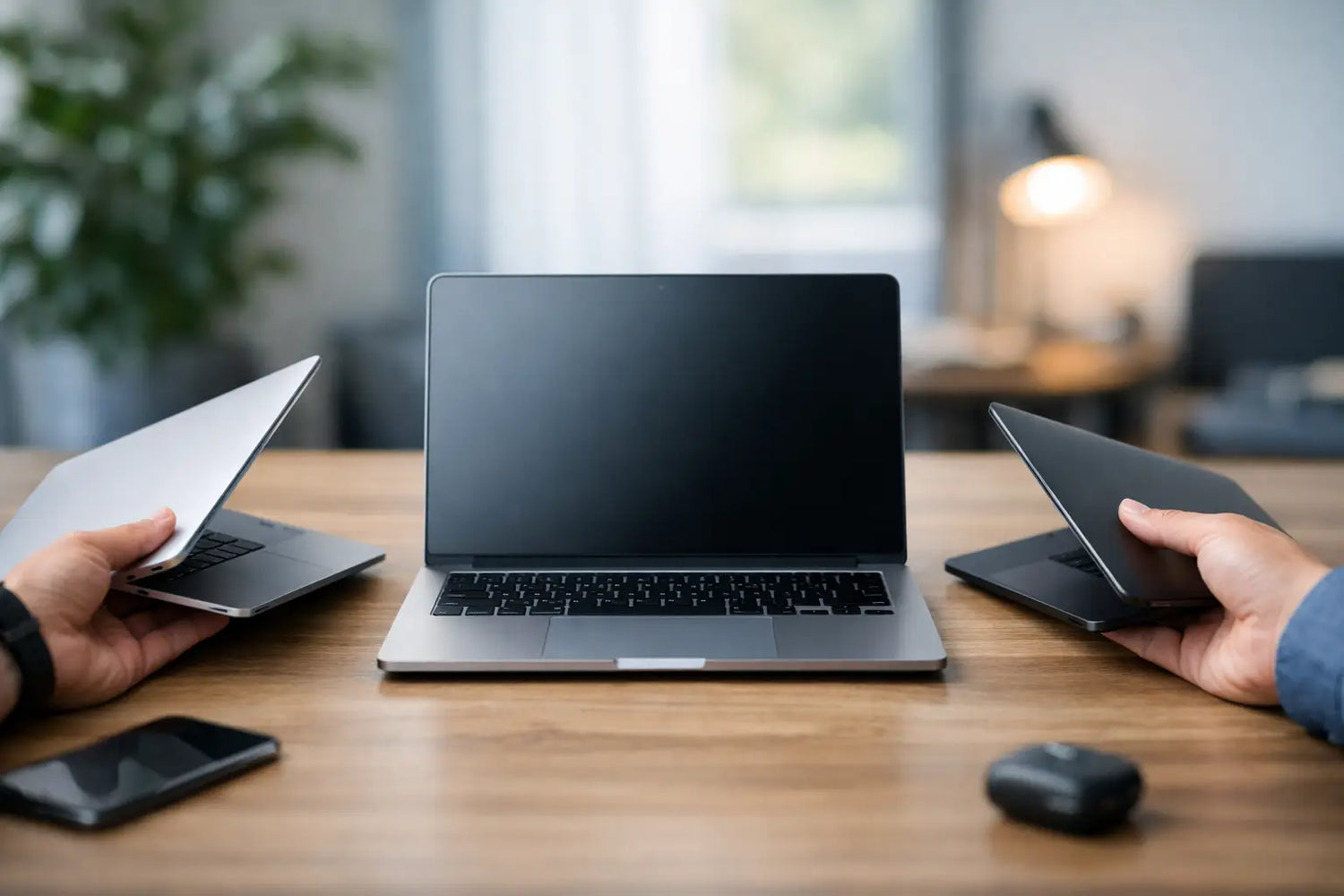
You do not need the most expensive laptop on the page. You need the one that fits your life without making your wallet cry. If you have been searching for how to choose the perfect laptop: the ultimate buying guide, the real answer starts with one question: what are you actually going to do with it every day?
That sounds obvious, but this is where most people get stuck. They shop by hype, chase specs they will never use, or buy a machine that looks great until the battery dies halfway through the day or the screen feels cramped after two hours of work. A laptop is one of those purchases where a little clarity saves a lot of regret.
How to choose the perfect laptop for your lifestyle
Start with your real use case, not your fantasy version of yourself. If your laptop will mostly handle web browsing, streaming, email, online shopping, and light school or office work, you do not need a high-end powerhouse. If you edit videos, play modern games, run design software, or multitask with heavy apps all day, that changes the equation fast.
Think in terms of your daily routine. A student carrying a laptop across campus needs something light, reliable, and long-lasting on battery. A remote worker may care more about keyboard comfort, webcam quality, and screen size. A gamer wants graphics performance and cooling, even if that means extra weight. Someone who just wants a smooth, no-stress machine for everyday tasks should focus on balance, not bragging rights.
When you buy for your routine instead of the marketing headline, the whole process gets easier.
Pick the right operating system first
Before you compare processors, storage, or display quality, choose the operating system that feels natural for you. This affects your apps, your workflow, and how comfortable the laptop feels on day one.
Windows laptops offer the widest variety in price, design, and performance. They are usually the easiest choice for shoppers who want flexibility, gaming support, or lots of hardware options. ChromeOS laptops are more budget-friendly and great for web-based tasks, students, and casual users, but they are less ideal if you rely on specialized software. macOS appeals to people who already use Apple devices or prefer a cleaner ecosystem, though pricing is often higher.
There is no universal winner here. The best option is the one that works with the apps you already use and the way you like to work.
Performance: know which specs actually matter
This is where laptop listings start acting like a flex contest. The good news is that you can ignore a lot of the noise.
The processor affects how quickly the laptop handles tasks. For everyday use, a mid-range modern processor is usually more than enough. For heavier workloads like video editing, coding, gaming, or creative software, investing in a stronger processor makes sense. Just do not overbuy if your toughest daily task is opening twelve browser tabs and pretending you will finally organize your desktop.
RAM matters more than many shoppers realize. For basic use, 8GB is the practical minimum today. If you multitask often or want a laptop that stays comfortable for longer, 16GB is the sweet spot. More than that is mostly for advanced workloads.
Storage also matters, but speed matters more than sheer size for most people. An SSD is the standard you want because it makes everything feel faster, from startup to app loading. A 256GB SSD works for lighter users, but 512GB gives you more breathing room. If you store lots of photos, games, or large files, going bigger can save headaches later.
If you are gaming or doing 3D work, graphics performance deserves special attention. Integrated graphics are fine for everyday use and light creative tasks. Dedicated graphics are what you want for serious gaming, heavy design work, or advanced editing.
Screen size and portability: the trade-off is real
A bigger screen feels great until you have to carry it everywhere. A smaller laptop feels wonderfully portable until you spend all day squinting at spreadsheets.
Laptops around 13 to 14 inches are the easiest to travel with. They are ideal for students, commuters, and anyone who values portability. A 15-inch laptop offers a better balance between screen space and usability for many people. Seventeen-inch models can feel amazing for gaming or media, but they are closer to desk machines than grab-and-go devices.
Resolution matters too. Full HD is a solid baseline for most shoppers. It looks sharp enough for work, streaming, and general use without draining battery as aggressively as higher-resolution displays. If color accuracy matters for photo or video work, pay attention to brightness and panel quality, not just resolution.
Touchscreens and 2-in-1 designs can be useful, especially for note-taking or casual flexibility, but they are not must-haves. If you will not use those features often, you may be paying extra for a trick that wears off fast.
Battery life is not a bonus feature
A laptop with weak battery life turns into a desk accessory very quickly. If you work on the move, attend classes, travel, or simply hate carrying a charger everywhere, battery life should be near the top of your checklist.
Ignore optimistic manufacturer claims and think practically. Real-world battery life depends on screen brightness, apps, video calls, and multitasking. A laptop advertised for 12 hours may give you much less in normal use. For most people, aiming for a machine that can comfortably handle a full work or school stretch without panic-charging is the smart move.
Fast charging is also worth noticing. It will not replace strong battery life, but it can make a big difference when you are low on power and short on time.
Keyboard, trackpad, and webcam matter more than you think
These are the features people forget during checkout and notice every single day afterward.
If you type a lot, keyboard comfort matters. Shallow, cramped, or mushy keys get old fast. A good trackpad should feel smooth and responsive, not like a tiny argument every time you scroll. If you take video calls regularly, a decent webcam and microphone setup can save you from looking like a blurry witness in every meeting.
Build quality also plays a role here. A laptop should feel solid enough for your routine. If it will travel in backpacks, move between rooms, or get used heavily every day, a sturdier design is worth paying for.
Ports, connectivity, and little details that save future annoyance
It is easy to focus on the big specs and forget the practical stuff. Then your new laptop arrives and suddenly you need three adapters just to connect basic accessories. Not ideal.
Check the ports you actually use. USB-A still matters for many people. USB-C is increasingly common and useful. HDMI can be a lifesaver if you connect to a monitor or TV. A headphone jack still matters more than some brands want to admit. If you need an SD card slot for photos or content creation, do not assume it is included.
Also look at Wi-Fi support, Bluetooth reliability, and speaker quality if streaming or wireless accessories are part of your routine. These details rarely sell the laptop, but they absolutely affect how much you enjoy it.
How to choose the perfect laptop on a budget
You do not need to spend a fortune to get a good laptop, but budget shopping works best when you know where to compromise and where not to.
If your budget is tight, protect performance basics first. Prioritize an SSD over a traditional hard drive, at least 8GB of RAM, and a current enough processor to keep things smooth. You can give up luxury features like ultra-thin design, premium materials, or a super high-end display before you give up the basics that affect speed and everyday usability.
Mid-range laptops often offer the best value because they avoid the weakest entry-level compromises without jumping into premium pricing. This is usually the sweet spot for shoppers who want a reliable upgrade without paying extra for prestige.
If you are spending more, make sure the upgrade matches your actual needs. Paying extra for better battery life, a brighter display, more RAM, or stronger build quality often makes sense. Paying extra just because the spec sheet looks dramatic usually does not.
A quick reality check before you buy
Before you hit checkout, pause for one minute and run through a short mental test. Will this laptop handle your most common tasks comfortably? Is it portable enough for your routine? Does it have enough battery life for your day? Are the keyboard, screen, and storage likely to stay satisfying six months from now, not just five minutes after unboxing?
That last part matters. The perfect laptop is not the one with the flashiest ad or the wildest discount sticker. It is the one that fits naturally into your life and keeps doing its job without drama.
If you shop that way, you will make a smarter pick, feel better about the price, and end up with a laptop that actually feels like an upgrade. And honestly, that is the kind of life-improving tech win we are always here for.




Leave a comment
This site is protected by hCaptcha and the hCaptcha Privacy Policy and Terms of Service apply.