
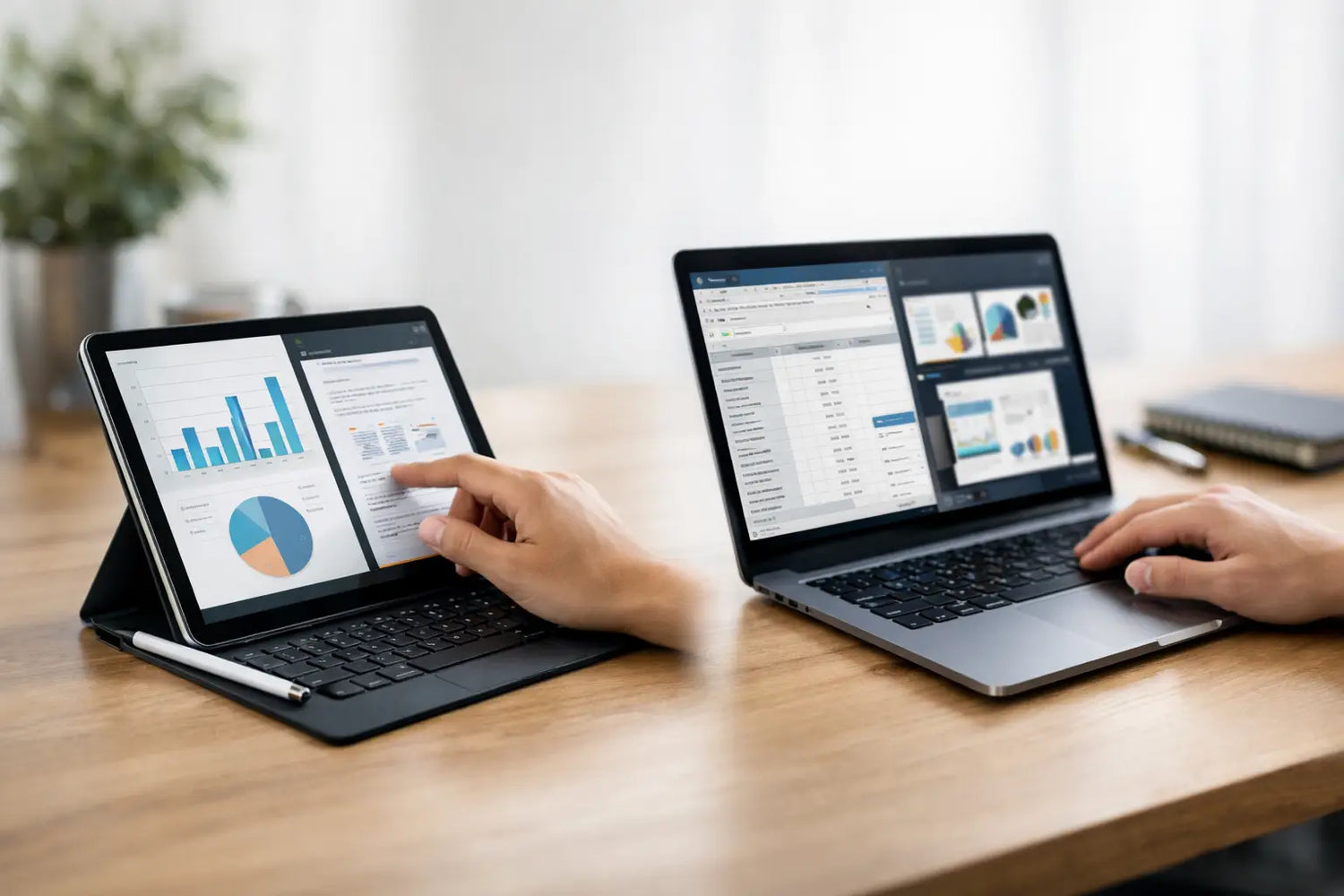
You feel it fastest at 8:13 a.m. when your coffee is hot, your to-do list is not, and you have exactly zero patience for a device that slows you down. That is where tablet versus laptop productivity becomes a real question, not a spec-sheet debate. The better pick is not the one with the flashiest ad or the lowest sale price. It is the one that helps you finish work with less friction.
For some people, a tablet feels like freedom. It is light, quick to wake, easy to carry, and great for reading, tapping, sketching, and casual multitasking. For others, a laptop is still the obvious workhorse because typing is faster, app support is deeper, and handling multiple windows does not feel like a mini puzzle. The truth is less dramatic than the internet makes it sound. Neither device wins for everyone.
Tablet versus laptop productivity depends on the task
If your day is mostly email, video calls, note-taking, reading documents, messaging, and cloud-based apps, a tablet can be surprisingly productive. Modern tablets are much better than they used to be, especially when paired with a keyboard and a stylus. They are built for speed in small moments. Open, tap, reply, done.
That matters if you work in bursts throughout the day. Students, remote workers, travelers, and side hustlers often do not need a full desktop-style setup every hour. They need something fast, portable, and easy to use on the couch, in class, at a cafe, or on a flight. A tablet fits that lifestyle really well.
But if your workflow involves long writing sessions, spreadsheets, file management, browser tabs multiplying like rabbits, or software that needs real processing power, a laptop usually pulls ahead. It handles complexity better. You can move faster when the operating system, keyboard, and app layout are built around getting actual work done, not just consuming content with occasional productivity on top.
Where tablets feel smarter
Tablets shine when convenience is the whole point. They are easier to hold, easier to pack, and often less intimidating than a laptop for quick tasks. That sounds small until you realize how much productivity depends on whether you even want to pick up the device in the first place.
A good tablet is excellent for note-taking during meetings, reviewing PDFs, signing documents, marking up presentations, watching tutorials while following along, and handling light admin work. If you are a visual thinker, the touchscreen experience can also feel more natural than clicking around with a trackpad.
There is another underrated advantage: focus. Tablets can be limiting, yes, but sometimes that is exactly why they help. Fewer overlapping windows and less desktop clutter can make it easier to stay on one task. If you tend to open twelve tabs, three chat apps, and a random shopping page you definitely did not need, a tablet can be the digital equivalent of cleaning your desk before you start.
That said, the tablet productivity dream usually needs accessories to fully work. The moment you add a keyboard case, stylus, stand, maybe a mouse, and maybe extra storage, the simple setup starts looking a lot more like a mini laptop with extra steps and extra cost.
Where laptops still dominate
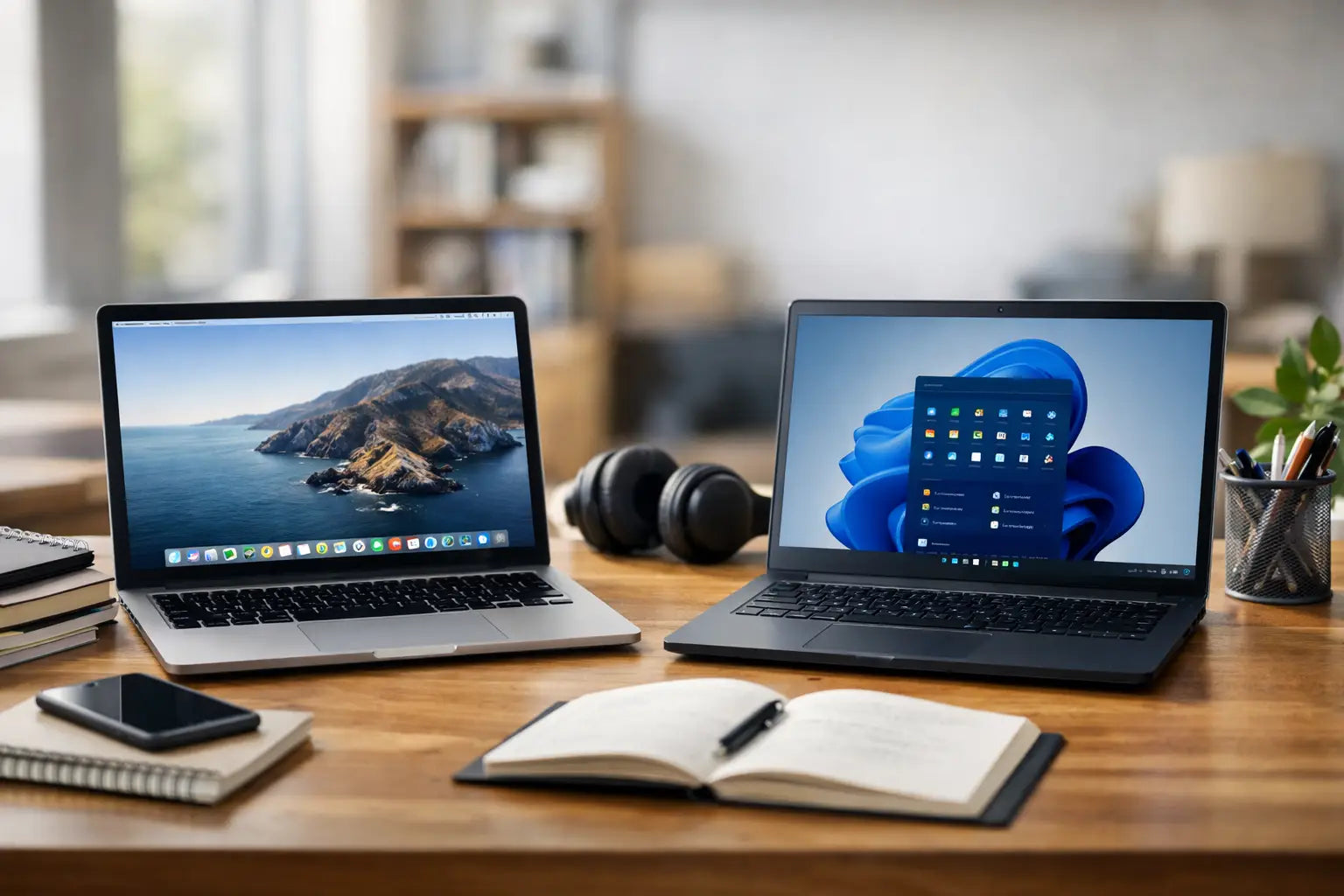
Laptops are better when your work has layers. Writing, editing, coding, design work, detailed spreadsheets, research-heavy projects, and multitasking all feel more natural on a laptop. The traditional clamshell setup still wins for posture, keyboard comfort, and long sessions where you are actively producing instead of reacting.
There is also less compromise. A laptop usually gives you a full operating system, stronger file handling, more ports, easier external monitor support, and fewer moments where you ask, "Wait, why can't this app just do the normal version of this task?"
That matters more than marketing likes to admit. A tablet can feel magical for simple workflows right up until one oddly specific task breaks the rhythm. Maybe the browser version of a tool is clunky. Maybe drag-and-drop is weird. Maybe formatting changes when you export a file. Maybe managing downloads becomes a treasure hunt. Those little interruptions add up.
For people who work all day on one device, a laptop is often the safer buy. It gives you more room to grow into harder tasks instead of outgrowing the device after a few months.
Tablet versus laptop productivity for students and remote workers
Students sit right in the middle of this debate. If your classes revolve around reading, note-taking, research, and streaming lectures, a tablet can feel perfect. It is lighter than most laptops, easier to carry around campus, and excellent for digital notes. It can also double as an entertainment screen without taking up much room.
But if you are writing long papers, building presentations, using school software, or working across multiple documents at once, a laptop is usually the stronger choice. The same goes for remote workers who spend a lot of time in docs, spreadsheets, project tools, and browser-based dashboards.
If your workday is mostly communication and light content handling, a tablet setup may be enough. If your workday includes creating, editing, organizing, and switching between tasks constantly, a laptop will probably feel less frustrating.
This is where being honest helps. A lot of buyers choose based on the device they want to love, not the one that matches their actual week. The sleek tablet setup looks cool. The laptop may look less exciting. But productivity is not about aesthetic points. It is about whether you can sit down and get through your workload without fighting your gear.
The hidden factor: input matters more than screen size
People often compare displays, battery life, and weight first. Fair enough. But the bigger difference in daily productivity is usually input.
Typing on a laptop is still better for most people. The keyboard is built in, stable, and ready for longer sessions. The trackpad is consistent. Keyboard shortcuts work the way you expect. That reduces friction every single day.
Tablets can absolutely improve with a keyboard, but they rarely feel quite as planted. You notice it when working on your lap, at a cramped table, or anywhere that is not a perfect desk setup. If you are creating more than consuming, input comfort matters a lot.
The flip side is handwriting and touch. Tablets crush laptops there. If you brainstorm visually, annotate constantly, sketch ideas, or like tapping directly into what you are doing, that hands-on workflow can make a tablet feel faster and more personal.
Price, value, and the trap of comparing base models
This is where things get sneaky. A tablet may look cheaper at first, but that is often the base price talking. Add the keyboard and other must-haves, and the value equation changes fast.
A laptop might cost more upfront but include what you need to work right away. A tablet might start lower but become a bundle purchase. That does not make it a bad buy. It just means the real cost of productivity is the full setup, not the hero price on the product page.
On the other hand, if you want one device for streaming, reading, casual gaming, browsing, light work, and travel, a tablet can still deliver excellent value. It covers more lifestyle ground in a smaller package. That is a big reason shoppers browsing flexible tech picks at places like Timo Market tend to gravitate toward tablets and lightweight laptops alike. The right choice often comes down to whether your device is primarily a work machine or an all-day life machine.
So which one should you buy?
Buy a tablet if you want portability first, your tasks are relatively light, and you like touch-based work. It is a strong fit for note-taking, reading, casual business tasks, travel, and everyday convenience.
Buy a laptop if your work is heavier, your typing hours are longer, or your apps need fewer compromises. It is the more reliable pick for serious multitasking and deeper workflows.
And if you are stuck between them, here is the simple test: think about the task that frustrates you most right now. Not the fun task. Not the easy task. The annoying one you repeat every week. Choose the device that makes that task easier, because that is the one you will thank yourself for later.
The best productivity upgrade is rarely the trendiest device. It is the one that gets out of your way and lets you move.




Leave a comment
This site is protected by hCaptcha and the hCaptcha Privacy Policy and Terms of Service apply.