
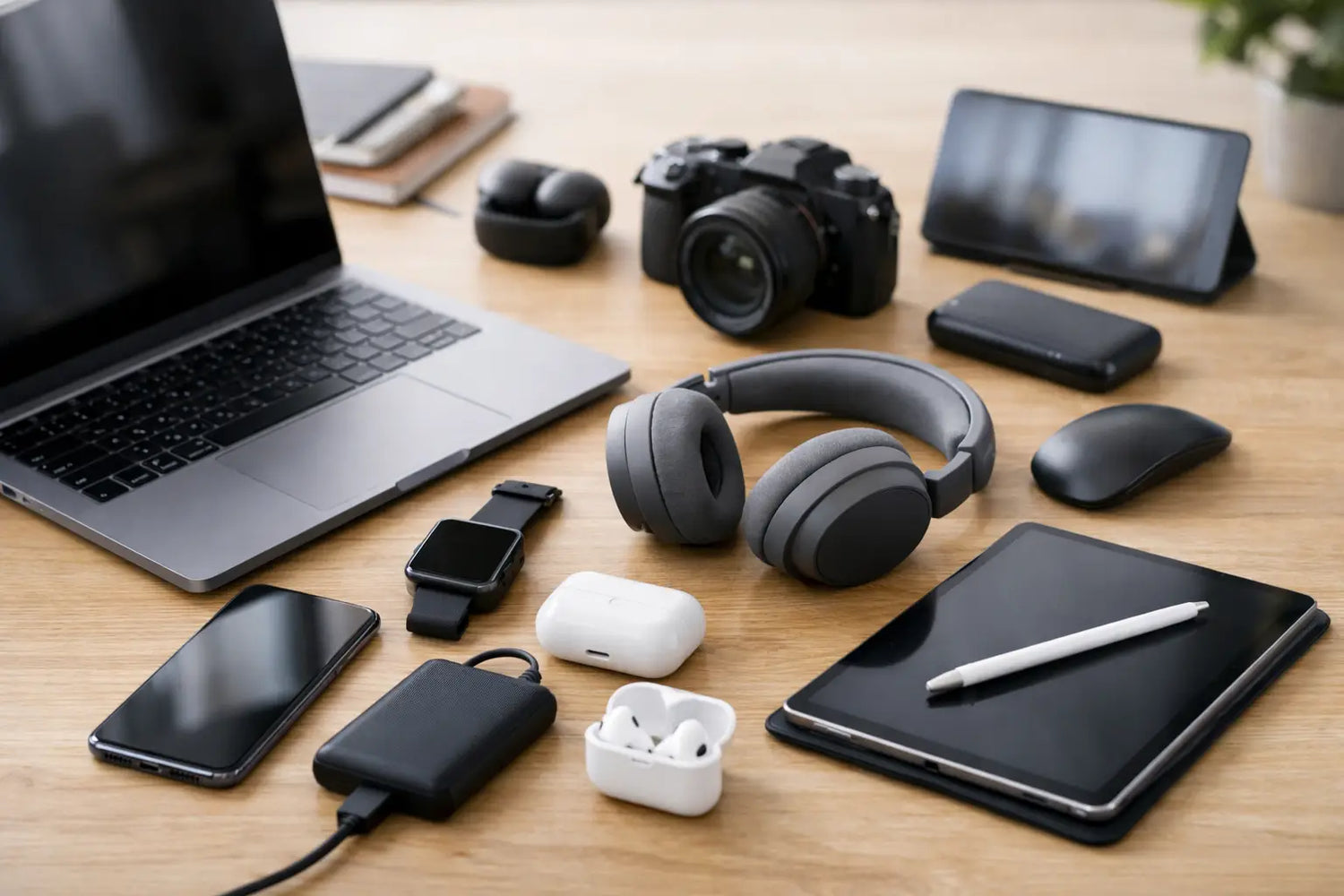
College starts fast. One week you are comparing class schedules, the next you are realizing your old laptop takes five business days to open a browser tab. That is exactly why this guide to the top 10 tech essentials: the best smartwatches, tablets, and laptops for students keeps things practical. No fluff, no fake hype - just the devices that make school, side hustles, note-taking, and everyday life easier.
The trick is not buying the most expensive device in each category. It is buying the right mix. A student who writes papers, joins Zoom classes, tracks workouts, and watches lectures on the go needs gear that lasts all day, fits a real budget, and does not become annoying after two weeks. That means paying attention to battery life, weight, app support, and whether a device actually fits your study style.
How to choose top 10 tech essentials for students
Before the picks, here is the only rule that matters: buy for your routine, not for someone else’s flex. If you mostly type essays and run browser-based apps, you do not need a creator-grade machine with a price tag that hurts your soul. If you handwrite notes and annotate PDFs, a tablet may matter more than an ultra-premium laptop. If you are trying to stay on top of classes, workouts, and deadlines, a smartwatch can pull more weight than you might expect.
A good student setup usually balances three things: portability, battery life, and value. Performance matters too, of course, but most students are not editing feature films between chemistry lab and lunch. The goal is dependable tech that keeps up without draining your budget.
The laptops that carry the heavy load
1. Apple MacBook Air 13-inch
For many students, this is still the safest laptop pick. It is light, fast, quiet, and the battery life is strong enough to survive a day of classes without making you hunt for an outlet like it is a campus scavenger hunt. It handles writing, research, streaming lectures, and multitasking with ease.
The trade-off is price. Even though the MacBook Air earns its reputation, it is not the budget hero of this list. It makes the most sense for students already using an iPhone or iPad and anyone who wants a machine that feels polished and lasts for years.
2. Acer Aspire 5
If value is the name of the game, the Acer Aspire 5 deserves a spot. It gives students a solid keyboard, enough performance for everyday coursework, and a friendlier price than premium models. For web research, documents, spreadsheets, and video calls, it gets the job done without drama.
It is not the sleekest laptop in the room, and battery life can vary depending on configuration. Still, for students who need a dependable Windows machine and want to keep cash free for books, snacks, and maybe one tiny bit of fun, it is a smart buy.
3. Lenovo IdeaPad Flex 5
Some students want a laptop that can do a little more. The IdeaPad Flex 5 works well for that middle ground because it folds into tablet mode, making it handy for note-taking, sketching, and watching lectures in tighter spaces. It is a nice fit for students who bounce between typing and touch controls.
The compromise is that 2-in-1 devices rarely feel as perfect as a dedicated laptop or a dedicated tablet. Even so, for students who want versatility without buying multiple major devices, this one earns its keep.
4. Dell XPS 13
If you want a Windows laptop that feels premium, compact, and seriously polished, the Dell XPS 13 is still one of the strongest options around. It looks great, travels well, and offers the kind of performance that suits demanding majors, from business analytics to light design work.
The issue is simple: it costs more. That makes it a better fit for students who know they will use that extra power and build quality every day. If your workload is basic, there are cheaper ways to win.
Tablets that make studying less painful
5. Apple iPad Air
The iPad Air hits a sweet spot that students love. It is powerful enough for note apps, digital planners, video editing, reading, and multitasking, but it stays lighter and more affordable than the top-tier iPad Pro. Add a stylus and keyboard, and it can cover a surprising amount of schoolwork.
Its biggest strength is flexibility. You can annotate slides in class, watch recorded lectures on the bus, and use it for casual entertainment later. The biggest catch is accessories - once you add them, the total cost climbs fast.
6. Samsung Galaxy Tab S9 FE
For Android users, this is a really appealing student tablet. It offers a smooth display, solid battery life, and note-taking tools that feel useful right away. It is especially nice for students who want a tablet for reading, media, and handwritten notes without jumping to a premium price tier.
App optimization on Android tablets can still be a mixed bag compared to iPadOS. That said, if you are already in the Samsung or Android ecosystem, the experience can feel convenient and budget-friendly in the best way.
7. Microsoft Surface Go 4
This one makes sense for students who want something ultra-portable and close to a mini Windows computer. The Surface Go 4 is great for basic productivity, cloud apps, and carrying between classes without feeling like your backpack is plotting revenge.
It is not ideal for heavy creative software or serious multitasking. But for students focused on portability and lightweight school tasks, it can be a very practical pick.
Smartwatches that keep your day on track
8. Apple Watch SE
The Apple Watch SE is one of those devices that sounds optional until you use it for a month. Notifications, calendar alerts, timers, fitness tracking, and quick message replies all help students stay less scattered. It is especially useful if your phone keeps disappearing into your backpack at the exact wrong moment.
It does not have every premium health feature Apple offers, but that is also why it makes sense for students. You get the essentials without paying flagship money.
9. Samsung Galaxy Watch6
Android users who want a smartwatch that feels polished should put the Galaxy Watch6 near the top of the list. It handles notifications well, tracks workouts, supports daily wellness features, and looks good enough to wear in class, at work, or at the gym.
Battery life is decent rather than amazing, depending on usage. Still, for students who want one wearable that covers productivity and fitness, it is a strong all-around option.
10. Fitbit Versa 4
Not every student wants a full smartwatch experience with constant pings and extra distractions. The Fitbit Versa 4 is a better choice for anyone who wants fitness tracking first, with enough smart features to stay useful. It is simple, comfortable, and usually easier on the budget.
The trade-off is that it does less than an Apple Watch or Galaxy Watch. But for students focused on health, routines, and battery life, less can actually be more.
What matters more than brand names
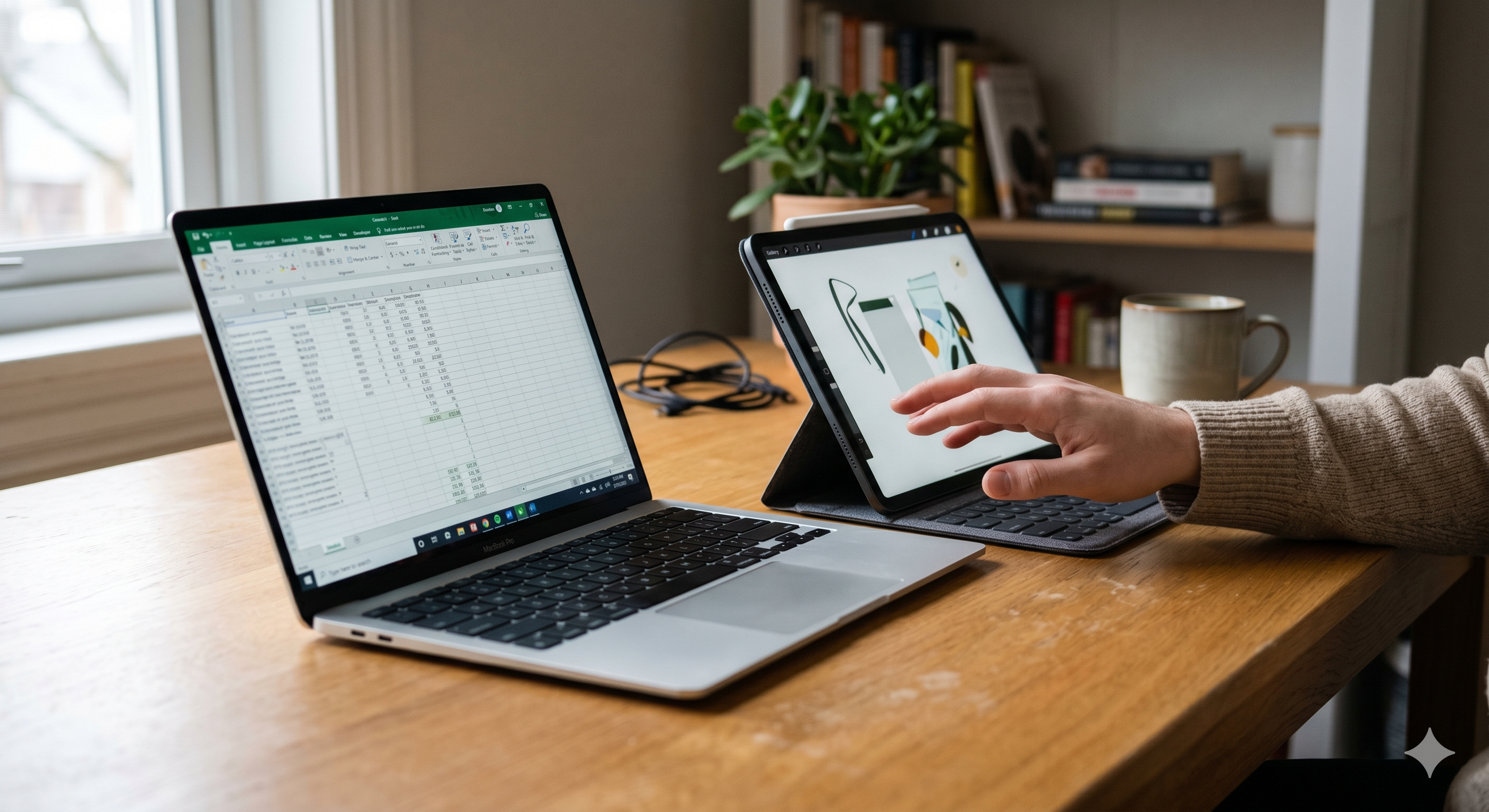
The best setup depends on how these devices work together. A laptop is still the core tool for most students because essays, research, and serious multitasking are easier on a full keyboard and desktop-style system. A tablet becomes worth it when handwritten notes, reading, or travel-friendly studying matter a lot. A smartwatch is the add-on that keeps your day moving - helpful for reminders, alarms, and fitness, but not essential for every budget.
If money is tight, start with the laptop. That is the workhorse. After that, think about whether a tablet will genuinely replace notebooks or just look nice on your desk. Smartwatches are great, but they are usually the third purchase, not the first.
For students who want the cleanest all-Apple setup, the MacBook Air, iPad Air, and Apple Watch SE make a very smooth trio. For a more budget-conscious mix, an Acer Aspire 5, Galaxy Tab S9 FE, and Fitbit Versa 4 cover a lot of ground without going full wallet damage. And if flexibility matters most, pairing a Lenovo IdeaPad Flex 5 with a smartwatch may be smarter than buying both a laptop and tablet.
At Timo Market, the appeal of student tech is not just owning something new. It is finding products that actually make daily life easier, faster, and a little more fun. That is the real win.
The best student tech should feel like less stress in your backpack - not just another shiny thing to charge at night. Pick the gear that fits your classes, your habits, and your budget, and you will feel the difference long after syllabus week ends.

Leave a comment
This site is protected by hCaptcha and the hCaptcha Privacy Policy and Terms of Service apply.