
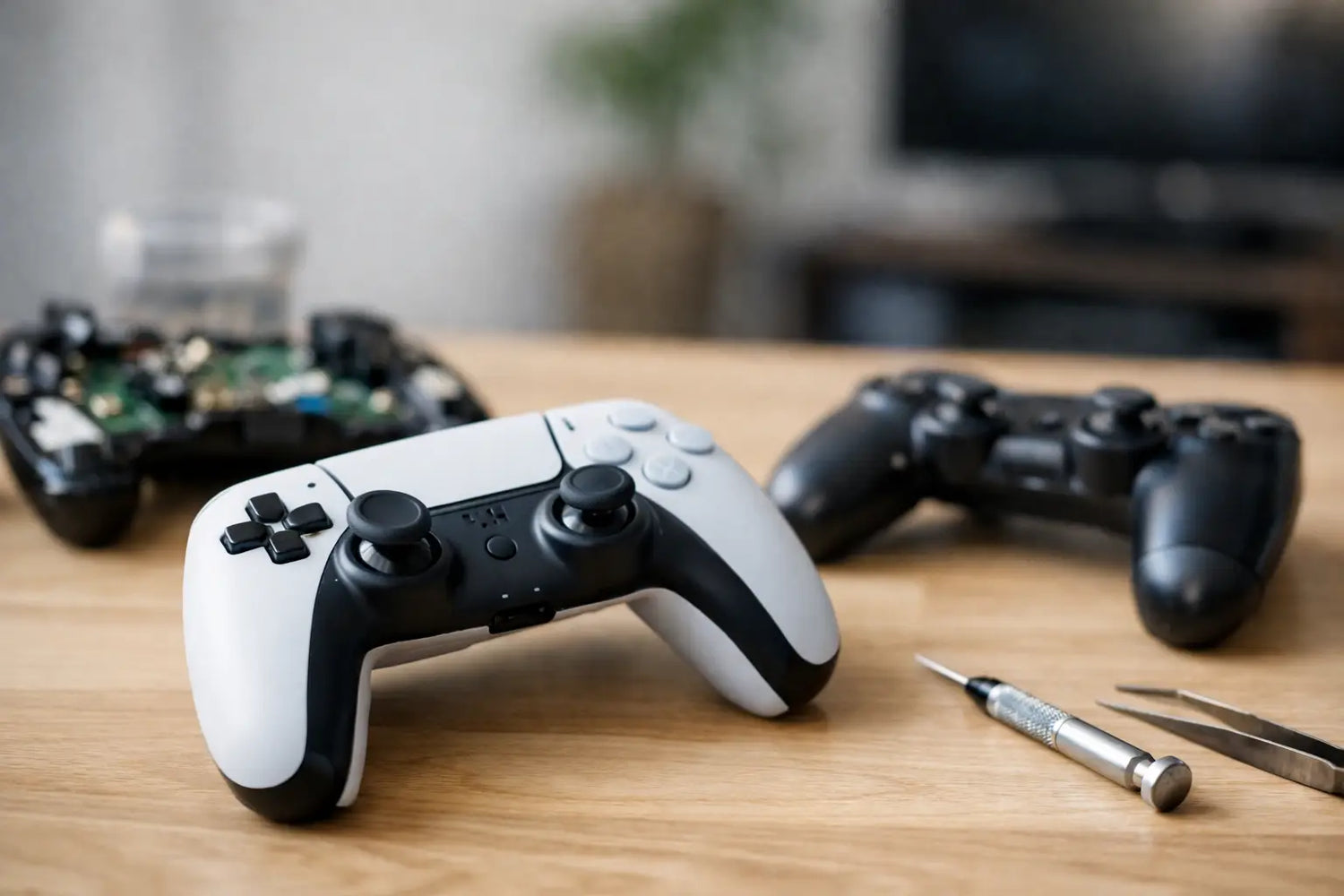
Your character starts walking into a wall while your thumbs are nowhere near the stick. Your aim slowly slides off target. Menus keep scrolling like the controller has developed its own gaming agenda. That frustrating behavior is why controllers drift is such a common search - and the good news is that drift is usually a physical or software issue with a real explanation, not random controller chaos.
Stick drift can turn a close match, a relaxing retro session, or a weekend racing marathon into a button-mashing test of patience. Before replacing a controller, it helps to know what is happening inside it, what you can safely try at home, and when a new controller is the smarter play.
Why Controllers Drift in the First Place
Most modern controllers use analog sticks to translate tiny thumb movements into movement on screen. Under each stick is a compact mechanism that tracks direction and position. When that mechanism no longer reads the stick's center point accurately, the console, PC, or phone receives movement input even when you are not touching it.
The most common culprit is wear in the analog stick's potentiometer. A potentiometer is a small sensor with conductive tracks inside it. Every time you push, rotate, and click the stick, a moving contact slides over those tracks. Thousands of matches later, the surfaces can wear down enough that the sensor sends inconsistent readings.
That is not necessarily a sign that you treated your controller badly. Analog sticks are moving parts, and moving parts eventually have a rough day. Fast-paced games, heavy use, and controllers that have been around since several game backlogs ago all add up.
Dust, crumbs, and everyday buildup
Debris is another major reason controllers drift. Dust can work its way below the stick cap and into the housing. So can lint from a backpack, pet hair from the couch, and the tiny snack crumbs that somehow appear during every long gaming session.
Even a small amount of buildup can interfere with how freely the stick returns to center. If your stick feels stiff, gritty, or slightly slower on one side, debris may be part of the problem. This is one of the more fixable causes, especially when the controller is fairly new.
Damage from drops and pressure
A controller does not need to shatter to be damaged. A hard drop can shift internal components or affect the stick assembly. Packing a controller tightly into a bag, leaving it under something heavy, or repeatedly pressing the sticks with extra force can also create problems over time.
Sometimes drift begins right after an accident. Other times, the damage only becomes noticeable once a slightly worn sensor starts struggling to find center. That delayed timing is why a controller can seem fine for weeks after a drop, then suddenly send your character wandering off on their own.
Software, calibration, and dead-zone settings
Not every drifting controller has a failed part. A console or PC may interpret the controller input incorrectly because of a software glitch, outdated firmware, or calibration setting. Certain games also use very small dead zones, meaning they react to even the slightest stick movement.
A dead zone is the small area around the center of an analog stick where input is ignored. Raising it slightly can stop minor drift from affecting gameplay. The trade-off is responsiveness: set it too high, and you may need to move the stick farther before your character or camera responds. For casual games, that may be no big deal. For competitive shooters or precise platformers, it can feel like gaming in slow motion.
How to Tell Whether Your Controller Is Drifting
The easiest test is to open a game or device menu where movement is obvious, then place the controller on a flat surface without touching the sticks. Watch for menu selections moving, a cursor drifting, or a character slowly walking or turning.
If the issue happens in only one game, check that game's controller settings first. Look for dead-zone, sensitivity, or input options. If it happens across multiple games and menus, the controller itself is more likely responsible.
On a PC, controller testing tools can show whether an analog axis is moving while the stick is at rest. This is useful because it reveals whether the problem is a tiny off-center reading or a dramatic input spike. Small drift may be manageable with calibration or a dead-zone adjustment. Large, inconsistent movement usually points to dirt, wear, or damage inside the stick module.
It also helps to notice patterns. Does the drift appear only after the controller has been used for an hour? Does pressing the stick down make it worse? Does one direction stick more than another? These clues can help you decide whether cleaning is worth trying or whether the component is reaching retirement age.
What to Try Before Replacing a Drifting Controller
Start with the simplest fixes. Restart your console, PC, or mobile device, then reconnect the controller. If it is wireless, charge it fully and check for a firmware update through the device settings. Low battery power does not usually cause true stick drift, but connection issues can create weird behavior that looks similar.
Next, check calibration options. Some platforms let you recalibrate the controller, while individual games may let you adjust dead zones. Increase the dead zone in very small steps, then test it. You are looking for the lowest setting that stops unwanted movement without making the controls feel dull.
If you suspect debris, turn the controller off and gently move the affected stick around its full range. Use short bursts of compressed air around the base of the stick while keeping the can upright. A soft, dry brush can help clear visible dust from the outer edge.
Avoid blasting liquid cleaners into the controller or soaking it with anything from the bathroom cabinet. Moisture and electronics are not a power couple. If you use an electronics-safe contact cleaner, follow its label instructions carefully and make sure the controller is powered off and fully dry before using it again.
For some controllers, careful cleaning improves minor drift right away. For others, it only provides temporary relief because the sensor track is physically worn. That is still useful information: if cleaning makes a difference for a few days and the drift returns, wear is likely the bigger issue.
Repair or Replace? The Real Trade-Off
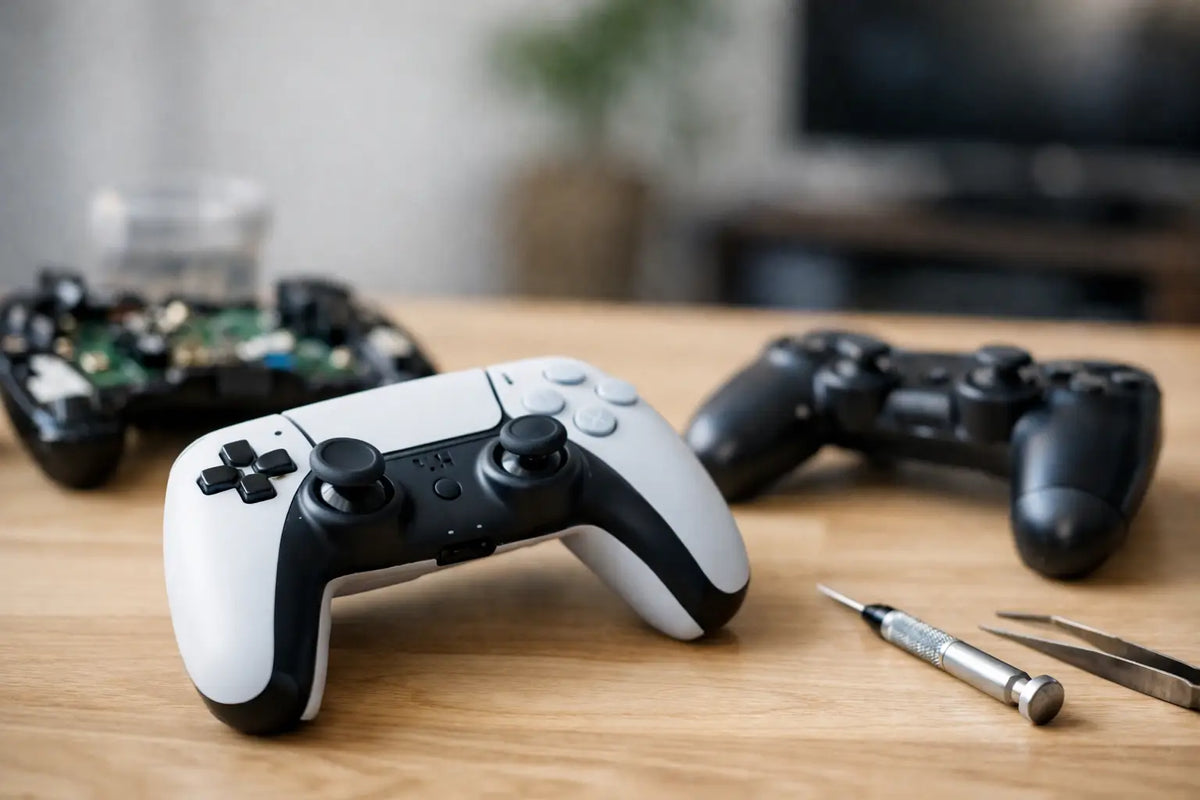
Repair can make sense when the controller is premium, comfortable, hard to replace, or otherwise still in great shape. Replacing an analog stick module often requires opening the controller, working around small ribbon cables and screws, and in many designs, soldering. It is a satisfying project for someone experienced with electronics repair. It can be a stressful way to spend a Saturday for everyone else.
If your controller is under warranty, check the coverage before opening it. A DIY repair may void protection that could have covered a replacement. If you are outside the warranty window, compare the cost of professional repair with the price of a new controller. For an older budget controller, replacement is often the better value. For a favorite limited-edition model or higher-end pad, repair may be worth it.
When shopping for a replacement, consider how you actually play. A compact wireless controller may be perfect for casual couch sessions and travel. Players who spend long hours in action games may care more about grip shape, trigger feel, battery life, and stick technology. Some newer controllers use Hall effect sensors, which use magnets rather than rubbing contacts to detect movement. They can reduce one common source of wear, though no controller is completely immune to damage, dirt, or other failures.
At Timo Market, gaming gear should make pressing start feel exciting, not like you are negotiating with a wandering joystick. Choosing a controller that fits your platform and play style can be as meaningful as picking the game itself.
Keep Stick Drift From Crashing the Fun
You cannot eliminate wear forever, but a few habits can stretch a controller's useful life. Store it somewhere clean and dry instead of loose at the bottom of a bag. Keep drinks away from the play area. Wipe the exterior occasionally with a dry microfiber cloth, especially around the stick bases and buttons.
Try not to force the analog sticks beyond their natural range or put heavy objects on top of the controller. A case is a smart move for travel, particularly if the controller rides alongside chargers, keys, and other bag chaos. And if drift begins, deal with it early. Minor buildup is easier to clear than a stick assembly that has been grinding through months of dust.
A drifting controller is annoying, but it does not have to end the session. Test the settings, clean carefully, and be honest about whether repair is a fun project or a headache waiting to happen. Then get back to the part that matters: finishing the race, landing the combo, and finally beating that level that has been talking way too much trash.

Commenta
Questo sito è protetto da hCaptcha e applica le Norme sulla privacy e i Termini di servizio di hCaptcha.