
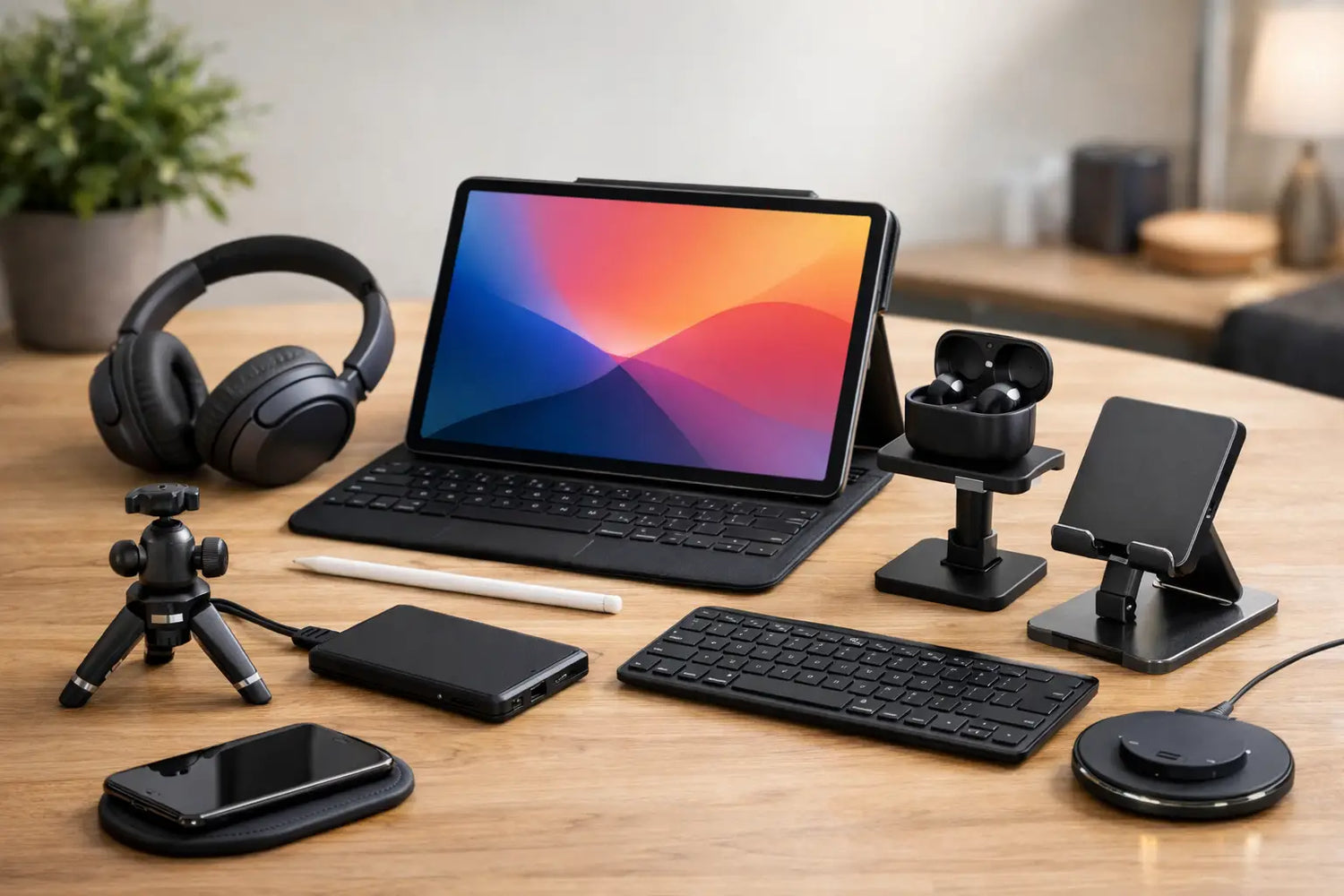
A tablet can be a sketchbook, movie screen, game console, portable office, recipe station, and late-night scrolling machine. The right tablet accessories make those jobs feel less like compromises and more like the reason you bought the tablet in the first place. The trick is not buying every shiny add-on in sight. It is building around how you actually use your screen.
A student taking notes needs a different setup than someone streaming anime in bed. A frequent traveler needs protection and power. A mobile gamer may care more about grip, sound, and controls than a keyboard. Start with your everyday use, then add the gear that solves a real annoyance. Your future self will thank you. Your drawer full of random cables will not.
Tablet Accessories to Buy First
1. A protective case that fits your routine
A case is the least glamorous upgrade and often the smartest one. Tablets are thin, slick, and surprisingly talented at sliding off couches, desks, and kitchen counters. A fitted case protects the corners and back without turning your lightweight device into a brick.
For everyday home use, a slim folio case with a folding stand is usually the sweet spot. It protects the display during travel and props the tablet up for shows, video calls, or reading. If your tablet is regularly handed to kids, tossed into backpacks, or used near the gym, choose a tougher shock-absorbing design with reinforced corners and an easy-to-hold grip.
Check that the case leaves room for charging ports, speakers, cameras, and any stylus you use. Also make sure the stand supports more than one angle. One angle sounds fine until the screen catches glare at exactly the wrong moment.
2. A tempered glass screen protector
A good screen protector is cheap insurance against scratches, fingerprints, and the occasional disaster involving keys in a bag. Tempered glass offers a smooth, glass-like feel and usually makes cleaning easier. It is a strong option for streaming, browsing, and general use.
If you write or draw with a stylus, a matte, paper-feel protector can be more satisfying. It adds a little resistance, which gives digital handwriting and sketching a more natural feel. The trade-off is that matte finishes can slightly soften the display and may wear down stylus tips faster. If your tablet is mostly a movie machine, clear glass is probably the better call.
3. A stylus for notes, art, and quick ideas
A stylus turns a tablet from a consumption device into a creation device. It is useful for class notes, marking up documents, journaling, photo edits, shopping lists, and doodles that somehow become your best work at 1 a.m.
Compatibility matters more than price alone. Some tablets support active pens with pressure sensitivity, palm rejection, tilt controls, and magnetic charging. Others work best with universal capacitive styluses. If you plan to draw, look for pressure sensitivity and low input delay. If you mainly need to sign forms or tap through a planner, a simpler stylus may be all you need.
Do not overlook storage. A stylus loop on a case or a magnetic holder can save you from the classic question: “Where did I put that tiny expensive pen?”
4. A keyboard case for real typing sessions
A tablet keyboard is a game changer when you write emails, take class notes, manage a side hustle, or want to leave the laptop at home for a short trip. Keyboard cases keep everything together and often include a trackpad, making navigation feel more laptop-like.
There are trade-offs. Keyboard cases add weight, and compact keys can feel cramped for long writing sessions. They are perfect for a coffee-shop work block or travel day, but a full-size keyboard may still be more comfortable if you type for hours daily. Look for a keyboard with a stable hinge, reliable Bluetooth connection, and a layout that matches your tablet size.
5. A stand that saves your neck
A stand is one of those small upgrades that makes a big difference fast. It gets the screen off the table, improves viewing angles, and keeps your posture from going full shrimp mode during a long video call.
A folding desktop stand works well for kitchens, desks, and nightstands. Adjustable aluminum models tend to feel more stable, especially with larger tablets. For bed or couch use, a soft pillow stand can be more comfortable, though it is less ideal for typing. If you use a keyboard, choose a stand that lifts the tablet to eye level while leaving enough space underneath for the keyboard.
Accessories That Match Your Tablet Life
For streaming and travel: headphones and a power bank
Built-in tablet speakers have improved, but headphones still win when you want immersive sound without waking everyone else in the room. Wireless earbuds are easy to pack, while over-ear headphones can feel better for long flights and marathon gaming sessions. If your tablet has a headphone jack, wired options are also worth considering for dependable audio and no battery anxiety.
A power bank earns its place if you travel, commute, attend long classes, or spend all day away from outlets. Choose one with enough capacity to make a meaningful difference and the right output for your tablet. Not every compact power bank can charge a larger tablet quickly. USB-C Power Delivery support is especially helpful for compatible devices.
Bring a quality charging cable too. A short cable is tidy for a power bank, while a longer braided cable is handy for couch charging. It is not exciting, but neither is being stuck at 3% during the season finale.
For gaming: a controller and comfortable grip
Touch controls work for plenty of games, but a compatible wireless controller gives action games, racing titles, retro collections, and cloud gaming a serious upgrade. Physical buttons offer better precision, and your thumbs get a much-needed break from covering half the screen.
Before buying, confirm that the controller works with your tablet operating system and the games you play. Some controllers connect through Bluetooth, while others use a USB-C connection for lower latency. A clip or stand can help position the screen, although larger tablets may need a sturdier desktop stand rather than a controller-mounted clip.
For casual games, a simple grip case can also help. It gives your hands something substantial to hold during longer sessions and reduces the chance of a tablet slip ending your high score permanently.
For creators: a hub, card reader, and better lighting
If you edit photos, transfer files, record video, or use your tablet as a compact workstation, a USB-C hub can add useful ports for storage drives, card readers, external displays, keyboards, and more. It is a practical tool, but compatibility is everything. Some tablets support only limited external display modes or power output, so buy based on the connections you know you will use.
A compact card reader is great for moving photos from a camera without firing up a computer. For video calls and content creation, a small adjustable light can also make a major difference. Good lighting makes your face clearer, product shots cleaner, and every call slightly less “mysterious cave with Wi-Fi.”
For families: durable handles and a car mount
A kid-friendly tablet case should be built for drops, snack crumbs, and enthusiastic one-handed carrying. Look for thick edges, a built-in handle, and a stand that does not collapse when the tablet is tapped. Bright colors make these easier to spot too, which is surprisingly useful in a house where everything disappears.
For road trips, a secure headrest mount can keep the tablet visible to backseat passengers without requiring someone to hold it for hours. Make sure the mount grips the device firmly and does not block charging access. Download shows before leaving when possible, because road-trip signal has a sense of humor.
What to Skip Until You Need It
Not every accessory deserves a spot in your cart. Super-cheap chargers can charge slowly, run hot, or fail early. Unbranded cases with vague compatibility claims may block sensors or fit loosely. Huge multiport hubs can be overkill if you only need to charge and connect headphones.
It also helps to avoid duplicate solutions. If your folio case already has a reliable stand, you may not need a second stand right away. If you use your tablet mostly for reading, a gaming controller can wait. Buy the essentials, use them for a week or two, then notice what still feels inconvenient.
Timo Market is all about finding upgrades that earn their place in your routine. Pick one accessory that protects your tablet, one that makes your favorite activity better, and one that helps you use it wherever life happens. That is how a fun screen becomes a setup you reach for every day.


Commenta
Questo sito è protetto da hCaptcha e applica le Norme sulla privacy e i Termini di servizio di hCaptcha.