
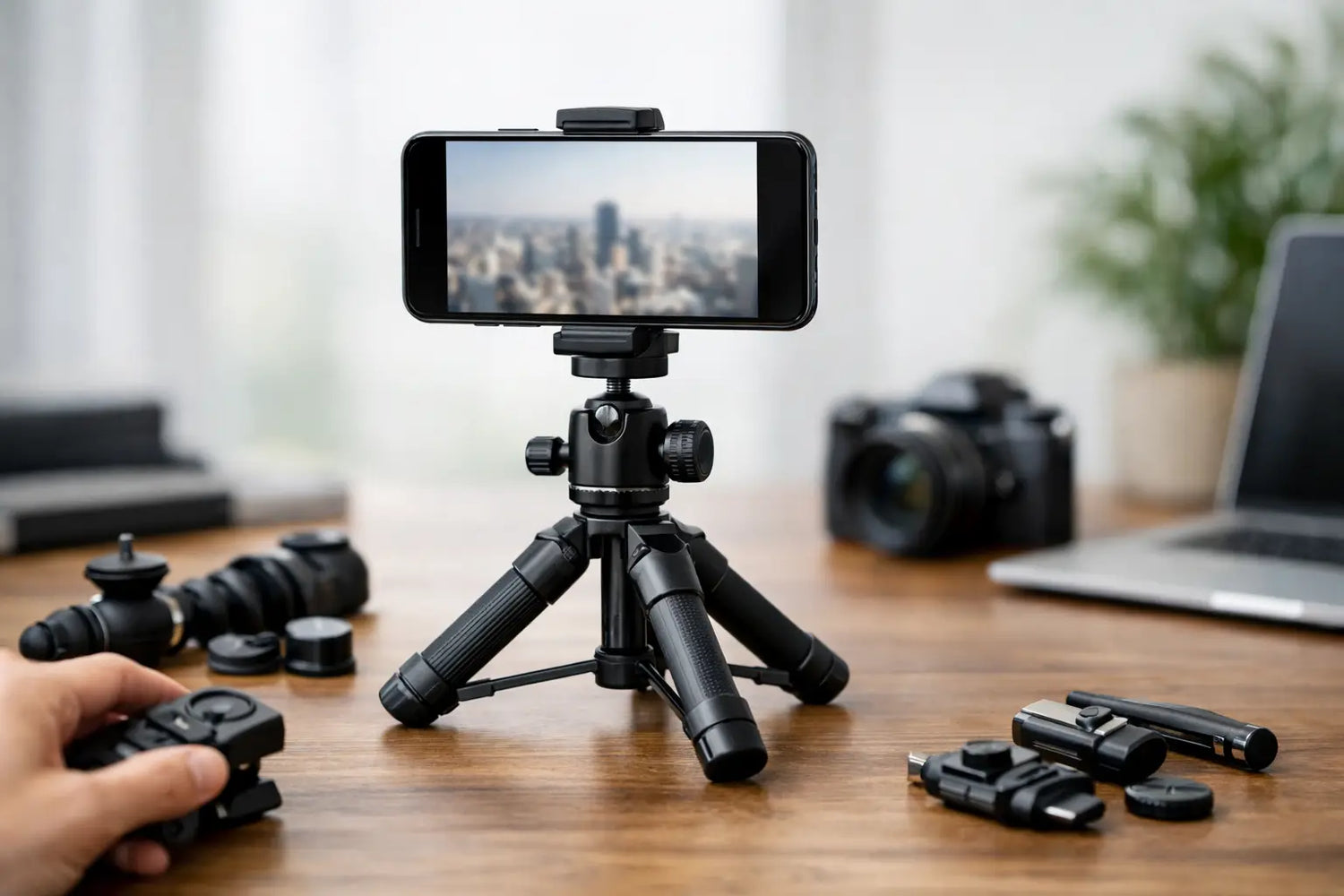
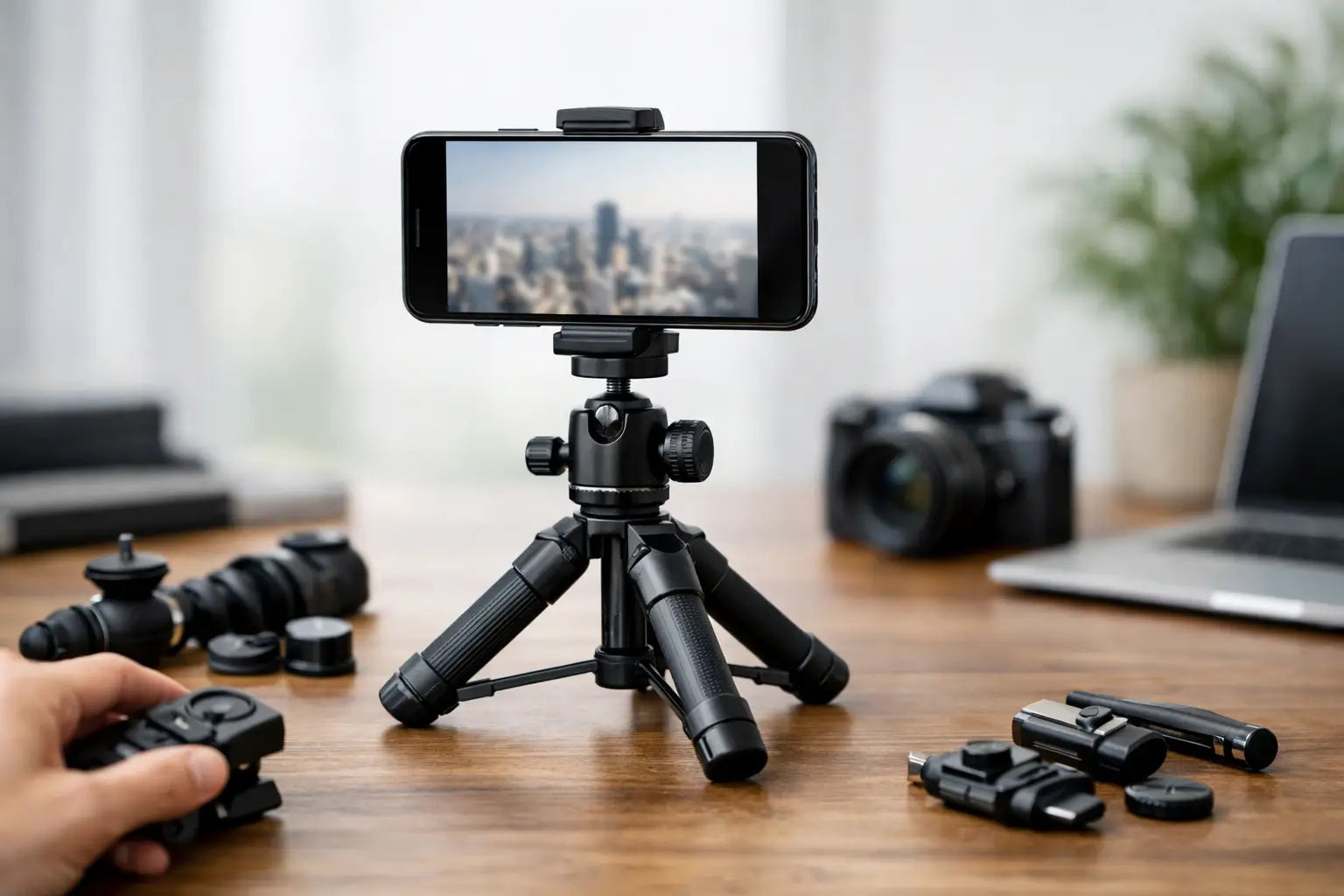
A shaky video can make a great recipe, workout clip, travel view, or gaming setup look like it was filmed during an earthquake. If you are searching for how to choose phone tripod options that actually improve your content, start with one question: where will you use it most? The best tripod for your desk is not always the best one for hiking, filming workouts, or catching group photos on vacation.
A phone tripod is a small upgrade with a big payoff. It gives you steadier footage, better angles, hands-free calls, cleaner livestreams, and fewer attempts at balancing your phone against a coffee mug. The trick is skipping the flashy extras you will never touch and choosing the features that match your routine.
How to Choose a Phone Tripod for Your Setup
Before comparing materials, ring lights, or remote controls, picture your most common use. Someone filming makeup tutorials at a desk needs a different setup than someone recording soccer games from the sidelines. Your tripod should make the job easier, not become another gadget living in a drawer.
For desk content, video calls, gaming streams, unboxings, or cooking videos from a counter, prioritize a stable base and adjustable height. A compact tabletop tripod can be enough if your phone only needs to sit near eye level or point down at your hands. Look for legs that spread wide and grips that will not slide across a smooth desk.
For travel, look for a lightweight model that folds down quickly and fits in a backpack. A small flexible tripod can wrap around a railing, tree branch, or chair back, which is handy when there is no flat surface nearby. The trade-off is height. Flexible mini tripods are clever, but they will not replace a full-size stand for standing shots.
For fitness videos, dance clips, family events, or full-body shots, a taller tripod matters more than ultra-compact size. Check the maximum height with the center column fully extended. If you want the camera around eye level while standing, a short tabletop model is simply not going to cut it. No amount of creative stacking fixes a tripod that is too short.
Start With Stability, Not the Fancy Extras
A tripod has one main job: keep your phone still. That sounds obvious, but many low-cost models look impressive in photos and wobble the moment you extend them. Pay attention to the leg design, base width, and the strength of the locking points.
Aluminum tripods usually offer a nice balance of portability and stability. They are light enough to carry but generally sturdier than very thin plastic designs. Plastic is not automatically a deal-breaker for a small desk stand, especially if you want something affordable and easy to store. For taller tripods, though, stronger materials and thicker leg sections make a noticeable difference.
The ground you film on changes the answer, too. A tripod that is perfectly stable on hardwood may struggle on grass, carpet, sand, or an uneven sidewalk. If you plan to film outdoors, choose adjustable legs with secure locks and consider a model with a hook under the center column. You can hang a small bag from that hook for extra weight when conditions get breezy.
Do not judge stability only when the tripod is folded. Extend it to the height you actually plan to use. The higher and narrower a tripod becomes, the easier it is to tip. A little extra weight is often worth it when your phone is expensive and your shot matters.
Check the Phone Holder Before You Buy
The clamp is the part holding your phone, so it deserves more attention than the color of the legs. It should open wide enough for your phone with its case on, grip firmly without pressing the side buttons, and have padded contact points to help prevent scratches.
Measure your phone if you use a bulky protective case. Many universal holders fit most current phones, but “most” is not the same as every oversized phone case, wallet case, or foldable device. If you regularly switch between phones, a wider adjustable clamp gives you more flexibility.
Rotation is another must-have. Your holder should move smoothly between portrait and landscape orientation. Portrait is ideal for short-form social posts, Stories, and video calls. Landscape works better for longer videos, tutorials, travel footage, and horizontal livestreams. A ball head adds even more control, letting you tilt your phone forward, downward, or off to the side without moving the tripod legs.
If you plan to shoot overhead videos, look for a tripod with a boom arm or horizontal extension. That setup is useful for drawing, cooking, product demos, keyboard videos, and unboxing content. Just know that an extended arm shifts the weight forward, so a wider base or counterweight becomes much more important.
Choose the Right Height Range
Tripod listings often feature one big number: maximum height. It is useful, but it does not tell the whole story. Also check the minimum height, folded length, and how stable the tripod remains when fully extended.
A compact 10- to 20-inch tripod is great for a desk, tabletop, suitcase, or low-angle shot. A mid-height model around 30 to 50 inches offers more flexibility for seated content, kitchen counters, and casual travel photos. For standing videos and group shots, look for a full-size tripod that reaches roughly 60 inches or more.
Think about your frame, not just your body. A tripod at eye level is great for talking-head videos, but a workout video may need extra distance and height to keep your full body in view. If you cannot move far back in a small room, a wider phone lens may help, but it can slightly distort the edges of the frame. Sometimes the smartest purchase is a tripod that can extend higher and lower than you think you need.
Decide Whether You Need a Remote or Light
Bluetooth remotes are convenient for photos, group shots, and videos where you do not want to keep reaching toward the phone. They are usually simple to pair and small enough to lose in approximately six seconds, so a model with a place to store the remote is a nice bonus. A remote is helpful, but it should not be the reason you accept flimsy legs or a weak phone clamp.
A built-in ring light can be useful for face-to-camera videos, product close-ups, and video calls in dim rooms. Look for adjustable brightness and color temperature so you can avoid the harsh, overly cool look that makes everyone appear slightly haunted. A light powered by USB is practical for desk setups, while a rechargeable light is easier to take on the go.
If you already own a good lamp or film near a window, you may not need a ring light at all. Spend the budget on stability and height first. Better lighting is great. A phone falling mid-recording is not.
Look for Features That Match Your Content
The best phone tripod is rarely the one with the longest feature list. It is the one that removes friction from what you already want to make. Consider these useful extras if they fit your routine:
- A cold shoe mount lets you add a small microphone or LED light later.
- Flexible legs work well for travel and unusual mounting spots.
- A selfie-stick conversion is handy for vacations and casual walk-and-talk clips.
- A carry bag keeps the tripod, remote, and accessories together.
- A standard screw mount gives you the option to use a compact camera or action camera in the future.
Set a Budget That Makes Sense
You can find basic phone tripods at budget-friendly prices, and they can work well for occasional use. Expect simpler materials, limited height, and fewer adjustments. They are ideal for quick video calls, tabletop shots, or trying content creation without a major commitment.
Move up in price when you need taller height, dependable locks, smoother adjustments, stronger materials, or accessories such as a light and microphone mount. If you create content regularly, film workouts, travel often, or use your phone for work, spending a little more on stability can save frustration and protect your device.
At Timo Market, the fun part is finding useful tech that feels like an instant lifestyle upgrade. Still, do not let a sale badge make the decision for you. Check the dimensions, supported phone width, height range, and included accessories before adding any tripod to your cart.
A good phone tripod should disappear into your routine. Set it up, frame the shot, press record, and let your idea be the thing people notice - not the wobble.

Commenta
Questo sito è protetto da hCaptcha e applica le Norme sulla privacy e i Termini di servizio di hCaptcha.