
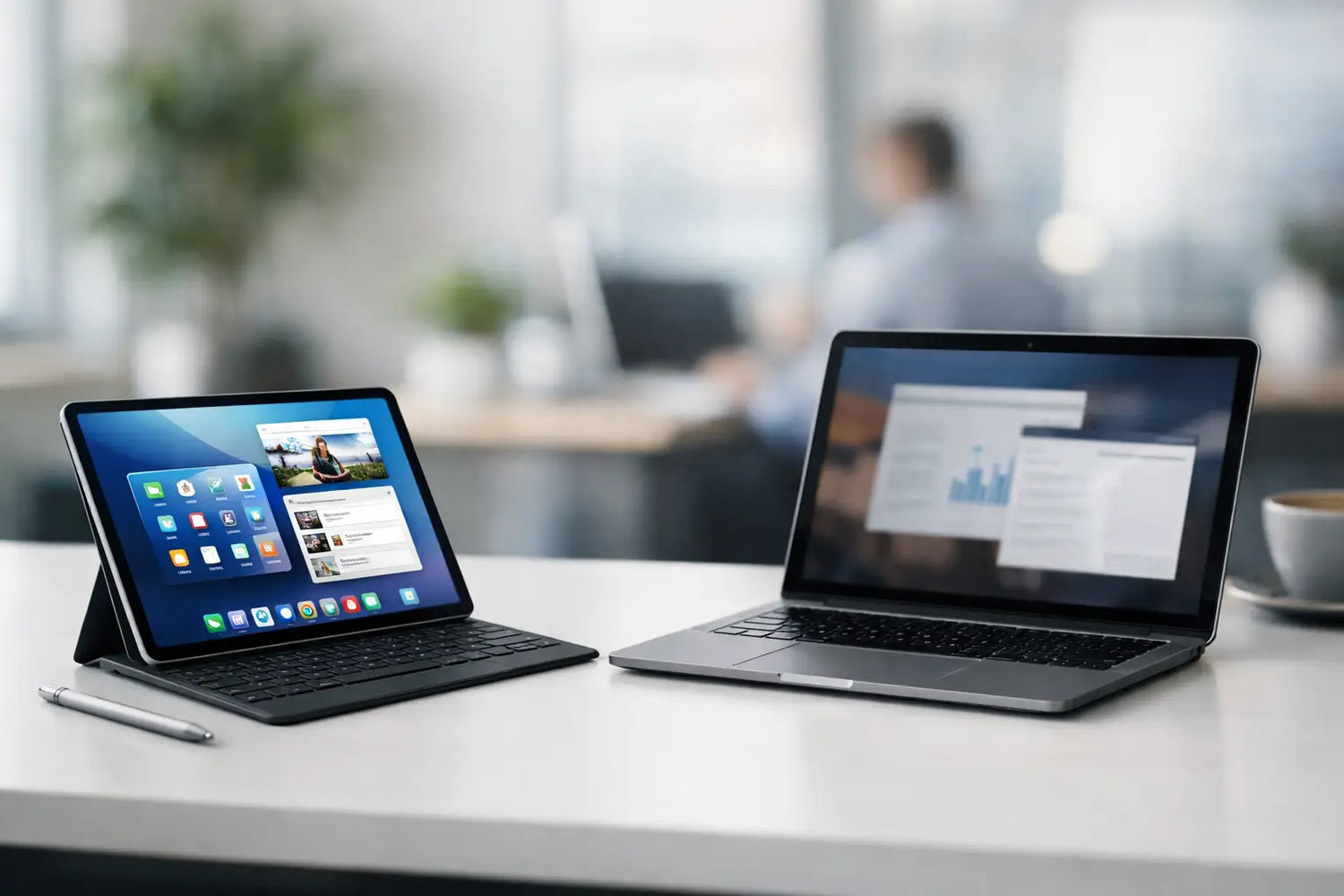
A tablet can feel like a tiny victory the first time you answer emails from the couch, sketch a quick idea with a stylus, then stream a show in bed without hauling out a bulky computer. But can tablets replace laptops for real work, school, gaming, and everyday life? Sometimes, absolutely. Other times, that sleek screen becomes a very expensive reminder that spreadsheets, file folders, and multitasking still exist.
The honest answer is that a tablet can replace a laptop when your day is mostly mobile, visual, and app-based. If your work involves heavy typing, complex files, specialized software, or lots of windows open at once, a laptop is still the safer pick. The right choice is less about which device is "better" and more about what you need it to do before your coffee gets cold.
Can Tablets Replace Laptops for Everyday Use?
For everyday tasks, tablets are seriously capable. Browsing, online shopping, streaming, video calls, social media, reading, managing a calendar, paying bills, and editing photos are all easy on a modern tablet. They boot quickly, travel lightly, and usually offer excellent battery life. That makes them a great fit for commuters, students between classes, frequent travelers, and anyone whose laptop mostly lives unopened on a desk.
Tablets also win on convenience. A touchscreen is fast for scrolling, browsing products, watching tutorials, or controlling smart-home apps. Add a case and you have a portable screen for the kitchen, the couch, or a long flight. Add a stylus and it becomes a notebook, coloring book, planner, and digital sketchpad in one.
Still, everyday use can turn into real work without warning. Planning a trip with multiple tabs, comparing documents, attaching files to forms, or organizing a growing collection of photos is usually smoother with a laptop’s larger screen and full desktop browser. Tablets can do these jobs, but they may require a few more taps and a little more patience.
Where Tablets Make the Most Sense
A tablet is a strong laptop substitute for people who want one flexible device for entertainment, light productivity, and creativity. It is especially useful if you already keep most of your files in cloud storage and use web-based tools.
Students who take handwritten notes, read digital textbooks, watch lectures, and write shorter assignments can get a lot done with a keyboard-equipped tablet. Creators who draw, annotate PDFs, edit short videos, or post content on social platforms may actually prefer the touch-first experience. Salespeople, real estate agents, and service professionals can use tablets for presentations, forms, digital catalogs, and video meetings without carrying a full computer around all day.
A tablet can also be a smart second screen or travel companion for a laptop user. That is not a boring compromise. It is often the setup that makes the most sense: a laptop for serious desk sessions and a tablet for casual work, entertainment, and ideas on the move.
The Accessories That Change Everything
A bare tablet is great for content consumption. A tablet with the right accessories is much closer to a work machine. If you are considering replacing a laptop, do not judge the experience based only on the screen in the box.
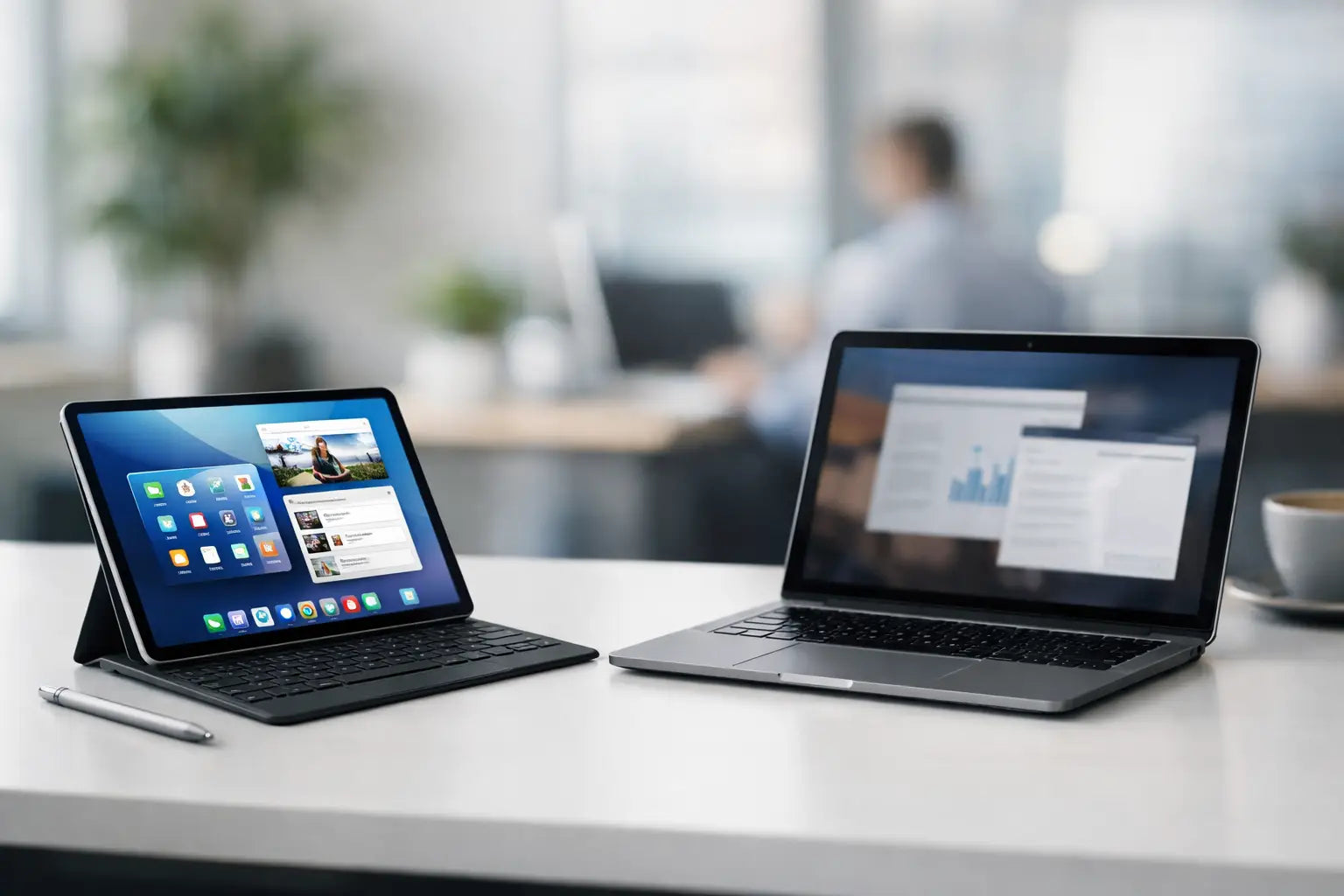
A keyboard case is the big upgrade. It makes writing emails, essays, captions, and notes far more comfortable, while also protecting the device. A stand helps create a more laptop-like viewing angle, especially for video calls or longer typing sessions. A stylus is worth it for handwritten notes, sketches, photo edits, and marking up documents.
For a desk setup, a Bluetooth mouse, compact hub, external storage, or monitor can make a tablet feel surprisingly capable. The catch is simple: once you add all those extras, the price and packed-bag space can start creeping toward laptop territory. Buy accessories because they solve a real problem, not because your tablet needs to cosplay as a computer.
Where Laptops Still Pull Ahead
Laptops remain better for sustained, complicated work. Their advantage is not just processing power. It is the familiar desktop workflow: multiple windows, full file management, browser extensions, keyboard shortcuts, ports, and software that was built for serious projects.
If you work with large spreadsheets, coding tools, advanced video editing, accounting platforms, 3D design, music production, or professional desktop apps, a laptop is usually the smarter long-term investment. The same goes for anyone who writes long reports every week or spends hours moving files between folders, drives, and shared workspaces.
Multitasking is another dividing line. Many tablets can show two or more apps at once, but the experience is still more limited than arranging windows freely on a laptop. Jumping between research, a document, messages, video calls, and a spreadsheet can feel cramped on a smaller touch display. A laptop gives you more room to think without constantly switching views.
Printing, using external devices, and dealing with unusual file formats can also be less predictable on a tablet. It is fine when everything works. It is less fun when you are trying to submit an assignment at 11:48 p.m. and an app suddenly decides it does not support the file you need.
Can a Tablet Replace a Laptop for Gaming?
For casual gaming, retro titles, cloud gaming, and mobile games, tablets are fantastic. Their larger displays make games more immersive than a phone, and pairing a wireless controller can turn a tablet into a portable gaming station. It is an easy win for travel, downtime, or keeping entertainment flexible around the house.
For competitive PC gaming or demanding games that rely on keyboard-and-mouse controls, a laptop still has the edge. Gaming laptops also give you broader access to game libraries, better graphics settings, mod support, and more dependable performance for bigger titles. A tablet is fun-first gaming. A laptop is closer to a full gaming rig you can take with you.
How to Decide Before You Buy
Think about the tasks that happen every week, not the occasional task you hope to do someday. If you mostly watch, read, browse, message, attend video calls, take notes, and create lighter content, a tablet can be a brilliant upgrade. It is portable, fun, and useful in more places than a laptop.
If your routine includes long writing sessions, work software, complex research, large files, or heavy multitasking, start with a laptop. You will get more breathing room and fewer workarounds. A lightweight laptop may not feel as exciting as a new tablet at first, but the right tool feels exciting when it saves you time every day.
Also consider your phone. If you already do lots of quick tasks on your phone, a tablet gives you a bigger, more comfortable version of that experience. If you need a device that creates, organizes, and manages your digital life from start to finish, a laptop still earns its place.
For shoppers looking for a flexible screen for movies, notes, games, and everyday convenience, a tablet can be one of those life-upgrade gadgets that gets used constantly. Pair it with a keyboard or controller when it fits your routine, and it becomes even more useful. Timo Market is all about finds that make daily life more fun, and a tablet can do exactly that - as long as you choose it for what it does best, not for what you wish it could do.
The best device is the one that makes you want to use it. Pick a tablet if portability and play matter most. Pick a laptop if your days demand depth, speed, and a proper workspace. And if your needs sit in the middle, there is no rule saying you cannot build a setup with both.


Leave a comment
This site is protected by hCaptcha and the hCaptcha Privacy Policy and Terms of Service apply.