
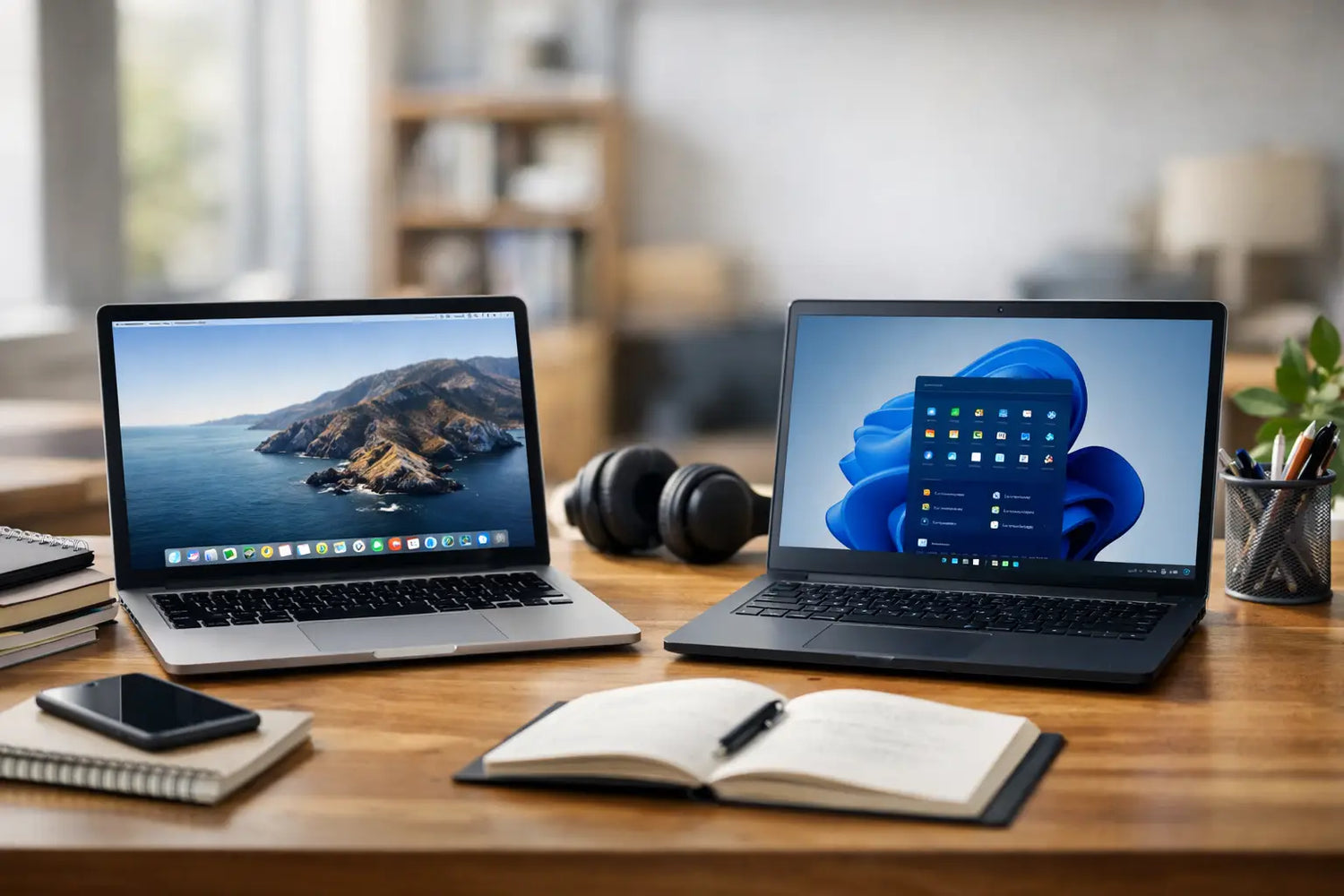
The wrong college laptop gets annoying fast. You feel it when your battery dies halfway through class, when your fan sounds like it is preparing for takeoff in the library, or when your software refuses to cooperate the night before a deadline. If you are asking macbook vs. windows: which laptop should you buy for college?, the real answer is less about brand loyalty and more about how you actually live, study, and spend.
MacBook vs. Windows for College: Start With Your Reality
A laptop for college has to survive a lot. It needs to handle research tabs, video calls, essays, spreadsheets, note-taking, streaming, and probably a little procrastination too. So before getting pulled into the usual Mac versus PC debate, think about your budget, your major, and whether you care more about battery life, gaming, portability, or getting the most power for the price.
That is where the split usually becomes clear. MacBooks tend to feel premium, stay quiet, last a long time on a charge, and work especially well for students already using an iPhone or iPad. Windows laptops give you more choices, more price points, and more flexibility, which is great if you want something affordable, powerful, or built around specific software needs.
Price: The First Big Filter
For most students, price decides a lot before specs ever do. MacBooks are rarely the cheapest option. Even entry-level models usually cost more than many solid Windows laptops. That higher price can be worth it if you want long battery life, a polished build, and a system that tends to stay fast for years, but it still hits your budget hard upfront.
Windows is where value hunters usually smile. You can find decent student laptops at lower prices, and the range is huge. Some are basic and budget-friendly. Others are premium machines that cost just as much as a MacBook. The difference is choice. If your goal is stretching every dollar while still getting something dependable, Windows gives you more room to shop smart.
That said, cheap Windows laptops can be a mixed bag. Some feel great for the money. Others cut corners on battery, display quality, keyboard comfort, or long-term performance. A MacBook usually gives you a more consistent experience, while Windows requires a bit more comparison shopping to avoid the duds.
Battery Life and Portability
If you are constantly moving between dorms, lecture halls, coffee shops, and study spots, battery life matters more than people think. MacBooks have a strong reputation here for a reason. Many students can go through most or all of the day without hunting for an outlet. They are also thin, light, and easy to toss in a backpack.
Windows laptops can absolutely compete, but it depends on the model. Some premium ultrabooks offer excellent battery life. Others do not. And gaming laptops or performance-heavy Windows machines often trade battery life for power, which means carrying a charger becomes part of your personality.
If you hate low-battery stress, MacBook has the advantage overall. If you are fine being more selective and checking real-world battery reviews, Windows can still deliver.
Software Compatibility by Major
This is where the answer gets less trendy and more practical.
If you are majoring in graphic design, marketing, communications, business, liberal arts, or general studies, either platform can work well. Most common school tools run on both, including browsers, Microsoft 365, Zoom, Slack, Canva, and cloud-based apps.
If you are in engineering, computer science, architecture, or certain technical programs, Windows often makes life easier. Some specialized software is built primarily for Windows, and while workarounds exist on Mac, workarounds are rarely fun during finals week. If your department recommends specific programs, follow that advice before buying anything.
For video editing, music production, and creative work, MacBooks are popular for good reason. They are stable, fast, and widely used in creative workflows. But high-performance Windows laptops can also be excellent, especially if you need more ports, more graphics power, or a touch screen.
The best move is simple. Check your college program requirements first. A good-looking laptop is nice. A laptop that runs your required software is nicer.
Ease of Use and Everyday Experience
MacBooks are often the pick for students who want something that just feels clean and easy. The trackpads are excellent, the build quality is strong, and macOS is straightforward once you are in the Apple ecosystem. If your phone, tablet, and earbuds are already Apple, the convenience factor is real. AirDrop, shared messages, synced notes, and cross-device handoff can make daily student life smoother.
Windows wins on familiarity and flexibility. A lot of students grew up using Windows in school or at home, so there is no learning curve. You also get more hardware variety, more ports on many models, and more options if you want features like touch screens, 2-in-1 designs, or upgradeable storage.
This part really comes down to preference. MacBook feels refined and simple. Windows feels customizable and wide open. Neither is automatically better. One may just fit your habits better.
Gaming and Entertainment
Here is the easy part. If gaming matters a lot, Windows is the stronger pick.
MacBooks are fine for streaming, schoolwork, music, movies, and casual games. But if you want broad game compatibility, better graphics options, or a machine that can double as a study tool and gaming setup, Windows has the edge by a mile. There are far more gaming-friendly Windows laptops, and many also let you connect accessories and external monitors more easily.
So if your ideal college setup includes late-night study sessions followed by a few rounds with friends, Windows gives you more entertainment upside. MacBook is more of a productivity-first machine.
Lifespan and Reliability
Students do not want to replace a laptop every year. That is why reliability matters just as much as flashy specs.
MacBooks are known for aging well. They often keep their performance and battery quality better than many lower-end laptops, and the resale value is usually stronger. If you plan to buy one laptop and keep it through college, that higher starting price can make more sense over time.
Windows laptops are harder to judge as a group because the category is so broad. A well-made premium Windows laptop can last years and feel excellent the whole time. A poorly chosen budget model might feel slow much sooner. With Windows, your outcome depends more on the exact model you buy.
That does not mean MacBooks are magically perfect. Repairs can be expensive, and upgrades are limited. But if you want a machine with a reputation for long-term polish, Apple has earned that reputation.
So, Which Laptop Should You Buy for College?
If your budget is tight, you want the most options, or your major depends on Windows-only software, buy a Windows laptop. It is the more flexible path, and for many students, it is simply the smarter value move.
If you want excellent battery life, premium build quality, easy Apple device integration, and a laptop that feels polished from day one, buy a MacBook. It is usually the better fit for students who want a smooth everyday experience and can afford the higher upfront cost.
If you are stuck between them, think less about the logo and more about your routine. Are you commuting all day and living off battery percentage? MacBook starts looking very attractive. Are you trying to balance school, gaming, and price? Windows starts winning fast. Are you in a major with strict software requirements? That can settle the whole debate in five minutes.
The Smartest Buying Mindset
The best college laptop is not the one people brag about online. It is the one that matches your classes, your budget, and your actual habits without creating extra problems. A flashy machine that drains your bank account or cannot run your course software is not a flex. It is homework with bonus frustration.
If you are shopping around, focus on the experience you want over the hype. Look for the sweet spot where performance, portability, battery life, and price all make sense for your day. That is usually where the smartest buy lives, and honestly, your future sleep schedule will thank you.



Commenta
Questo sito è protetto da hCaptcha e applica le Norme sulla privacy e i Termini di servizio di hCaptcha.