
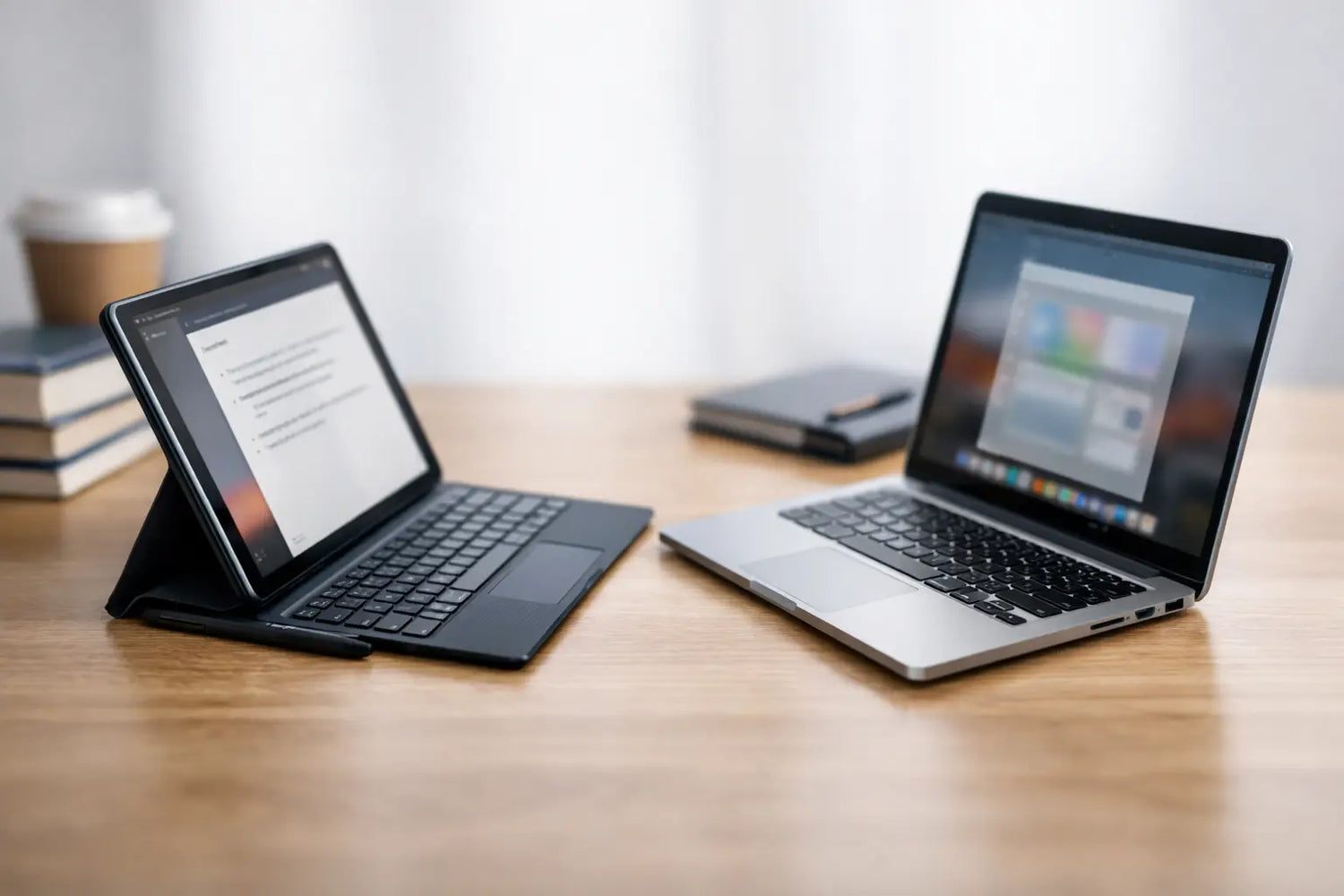
A student’s device gets tested in the least glamorous moments: typing a paper at 11:48 p.m., opening a giant slide deck before class, or trying to find one tiny formula in a page of handwritten notes. For students deciding between a tablet or laptop, the right answer is not about buying the flashiest screen. It is about choosing the tool that makes schoolwork less of a boss battle.
A tablet can turn backpacks into something much lighter and make reading feel almost effortless. A laptop brings the keyboard, file management, and software freedom that keep bigger assignments moving. The better pick depends on your classes, your study style, and whether you need one device to handle everything.
Tablet or Laptop for Students: Start With Your Work
Before comparing specs, look at what your average week actually requires. A student taking mostly reading-heavy courses may get more value from a tablet than someone building presentations, working with spreadsheets, coding, editing video, or writing long research papers.
A laptop is usually the safer all-in-one choice if you need to create work, not just consume it. Full desktop browsers, multiple open windows, citation tools, shared documents, course portals, and specialized programs are simply easier to manage on a proper computer. You can jump from a research tab to a draft, a spreadsheet, and a video call without feeling like you are playing app-switching whack-a-mole.
A tablet shines when your school life revolves around PDFs, digital textbooks, lecture slides, handwritten notes, and quick review sessions. It is fast to grab, easy to carry around campus, and more comfortable than a laptop when you are reading on the couch, in the library, or while waiting for class to start.
The real question is simple: Will this be your only school device? If yes, lean laptop unless you know a tablet can run every program and platform your classes require. If you already have access to a shared computer or desktop, a tablet can be an excellent everyday study sidekick.
Where a Laptop Wins
Long Papers and Serious Typing
A touchscreen keyboard is fine for a quick discussion post. It gets old fast when you are writing a six-page essay with sources, headings, and last-minute edits. Laptops include a physical keyboard, trackpad, and screen layout built for sustained work. That means fewer interruptions and less friction when the words finally start flowing.
You can add a keyboard case to a tablet, and some students genuinely love that setup. Still, most laptop keyboards feel more stable for long sessions, especially when you need shortcuts, accurate formatting, and easy cursor control.
Software and Multitasking
Many majors have non-negotiable tech needs. Engineering, design, business, computer science, film, and statistics courses can require applications that are limited or unavailable on tablets. Even general education classes sometimes use testing software, spreadsheets, or web tools that behave better on a laptop.
Laptops also make multitasking feel natural. You can compare sources side by side, keep notes open beside a lecture, download files, rename folders, and organize a semester’s worth of work without fighting your device. It is not exciting, but being able to find your final paper when it is due is very exciting.
Ports, Storage, and Flexibility
A laptop usually gives you more room for downloaded files, external drives, webcams, accessories, and backups. That matters when professors share large video files or when group projects start collecting drafts, images, and presentations.
If you want one device that can move from class notes to gaming, creative projects, job applications, and everyday entertainment, a laptop often delivers the most flexibility for the money.
Where a Tablet Wins
Handwritten Notes Without the Paper Pile
For students who learn by writing, a tablet with a stylus can be a game changer. You can annotate lecture slides, circle key terms, sketch diagrams, solve equations, and keep every notebook in one slim device. Searchable notes are a nice bonus when you remember writing something but have no clue which notebook it lived in.
This is especially useful for visual subjects such as biology, chemistry, architecture, art, and math. Marking directly on diagrams or working through equations by hand can feel more natural than typing everything into a document.
Reading and Reviewing Anywhere
Tablets are built for quick, low-effort studying. Their lighter design makes them great for reading chapters, watching recorded lectures, reviewing flashcards, or scanning a study guide between classes. A good display can make dense digital textbooks and color-coded notes far easier to handle than a stack of paper.
They are also less distracting in certain situations. Opening a tablet to review notes feels more focused than opening a laptop and immediately seeing a row of tabs, notifications, and the suspiciously tempting pull of a game launcher.
Portability and Battery Life
If your campus days are long, weight matters. Carrying a lighter device can make a noticeable difference when you already have chargers, water, snacks, and a textbook that appears to weigh the same as a small planet.
Many tablets offer strong battery life for reading, note-taking, and streaming. That can mean fewer fights over outlets in crowded study spaces. Just remember that battery estimates vary based on screen brightness, apps, video calls, and accessories.
The Cost Question Is Bigger Than the Sticker Price
A lower-priced tablet can look like the obvious budget choice, but the total setup matters. If you need a stylus, keyboard case, extra storage, adapter, or protective cover, add those costs before deciding. The same goes for laptops: a model with enough memory and storage may cost more upfront, but it can save you from slowdowns and storage panic later.
Avoid choosing based on a single sale label alone. Think about how long the device needs to last and what it must handle next year, not just this semester. A first-year student might not need design software today, then discover a major that requires it later.
For tight budgets, a straightforward laptop with a reliable keyboard and enough storage is often the practical move. For students who already own a capable computer, a tablet can be a smarter upgrade for notes, reading, and portability. The best value is the device you will use fully, not the one with the longest feature list.
A Quick Decision Check
Choose a laptop if you write long papers often, use specialized software, need multiple windows open, manage lots of files, or want one device for school and everything after school.
Choose a tablet if your work is mainly reading, annotating, handwriting notes, watching lectures, and reviewing materials on the go. It is also a strong choice for students who value a lighter bag and already have computer access when bigger tasks appear.
Choose a tablet plus keyboard only if you have checked your school’s required software and know it works well on that tablet. This setup can be wonderfully flexible, but it is not automatically a laptop replacement just because it looks like one in a product photo.
Do Not Forget the Extras That Make Studying Easier
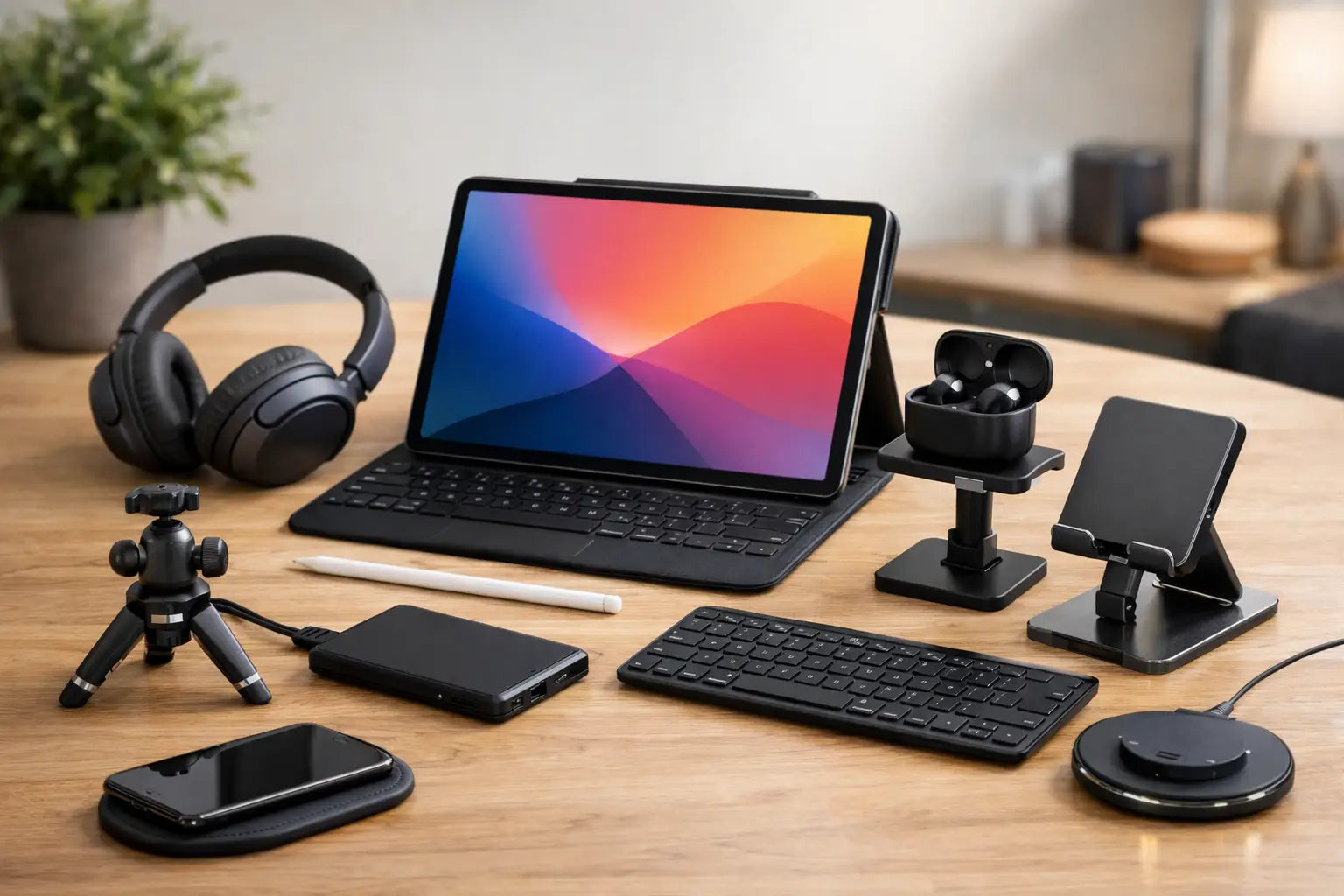
Whatever you choose, a few practical details will affect your daily experience more than a fancy finish. Prioritize a comfortable keyboard if you type frequently, enough storage for class files, a case that can handle campus life, and a charger that is easy to keep in your bag. Headphones can help in loud libraries, while a simple stand can make long video lectures much easier on your neck.
It also helps to set up a clean system from day one. Create folders by class, back up major assignments, and keep your charging routine consistent. Tech should remove stress, not create a new scavenger hunt the night before finals.
The best student device is the one that fits the way you actually learn. Pick the laptop if you need a dependable academic workhorse. Pick the tablet if handwritten notes and grab-and-go studying keep you motivated. Choose with your real schedule in mind, then get back to the assignment waiting for you.


Leave a comment
This site is protected by hCaptcha and the hCaptcha Privacy Policy and Terms of Service apply.